
To set up a client photo gallery, work in a fixed order: cull the set, create the gallery, set privacy and download rules, sort the photos into albums that follow the day, brand it, then send one clear delivery email. Work in that order and the client opens a finished story instead of a folder of files.
Quick answer
To set up and organize a client photo gallery:
- Cull the set.
- Create the gallery and name it for the client and the date.
- Set privacy, passwords and download rules.
- Build albums that follow the day.
- Upload your selects and check the gallery on a phone.
- Add your branding and your own domain.
- Send one delivery email, and give guests the link or QR code.
How do you set up a client gallery step by step?
Set up a client gallery in this order: create the event, set its privacy, build the albums, upload, and test it on a phone before the client sees the link. Setting privacy before the upload means no photo is ever open by accident.
- Create the event. In PicBee, every client job is an event with its own gallery, link and QR code. On a photographer subscription you can open as many events as you need inside your monthly photo and storage allowance.
- Name it clearly. Use the couple's or the company's name and the date. Clients search their inbox for names, not for "Gallery 14".
- Set access. Decide now whether the event is private, whether it needs a password, and who can download.
- Create the albums before you upload, so every file lands in the right place the first time.
- Upload your selects. Paid PicBee plans keep original quality.
- Test it on a phone. Open the link on your own phone, the way a client will, and check the opening image, the album order and the password.
The photographer guide to PicBee galleries walks through the same flow inside the product.
How do you organize a client photo gallery?
Organize a client photo gallery by culling hard, then sorting what is left into albums that follow the order of the day. The client should be able to read it like a story, not scroll an endless wall of thumbnails.
Cull before you sort
Culling comes first, because every photo you remove is one the client never scrolls past. Take out blinks, test shots and missed focus, and keep only the best frame of each burst. A tight gallery reads better than a long one padded with repeats.
Build albums by part of the day
Albums by part of the day are the clearest structure for weddings and events, because clients remember the day in that order. A wedding gallery might use:
- Getting ready
- First look
- Ceremony
- Family portraits
- Couple portraits
- Reception and party
- Details and decor
For a corporate event, the same idea becomes arrivals, keynote and stage, networking, awards and the evening party. Each album should feel like a chapter: easy to scan, and clearly different from the one before it.
Give guest photos their own album
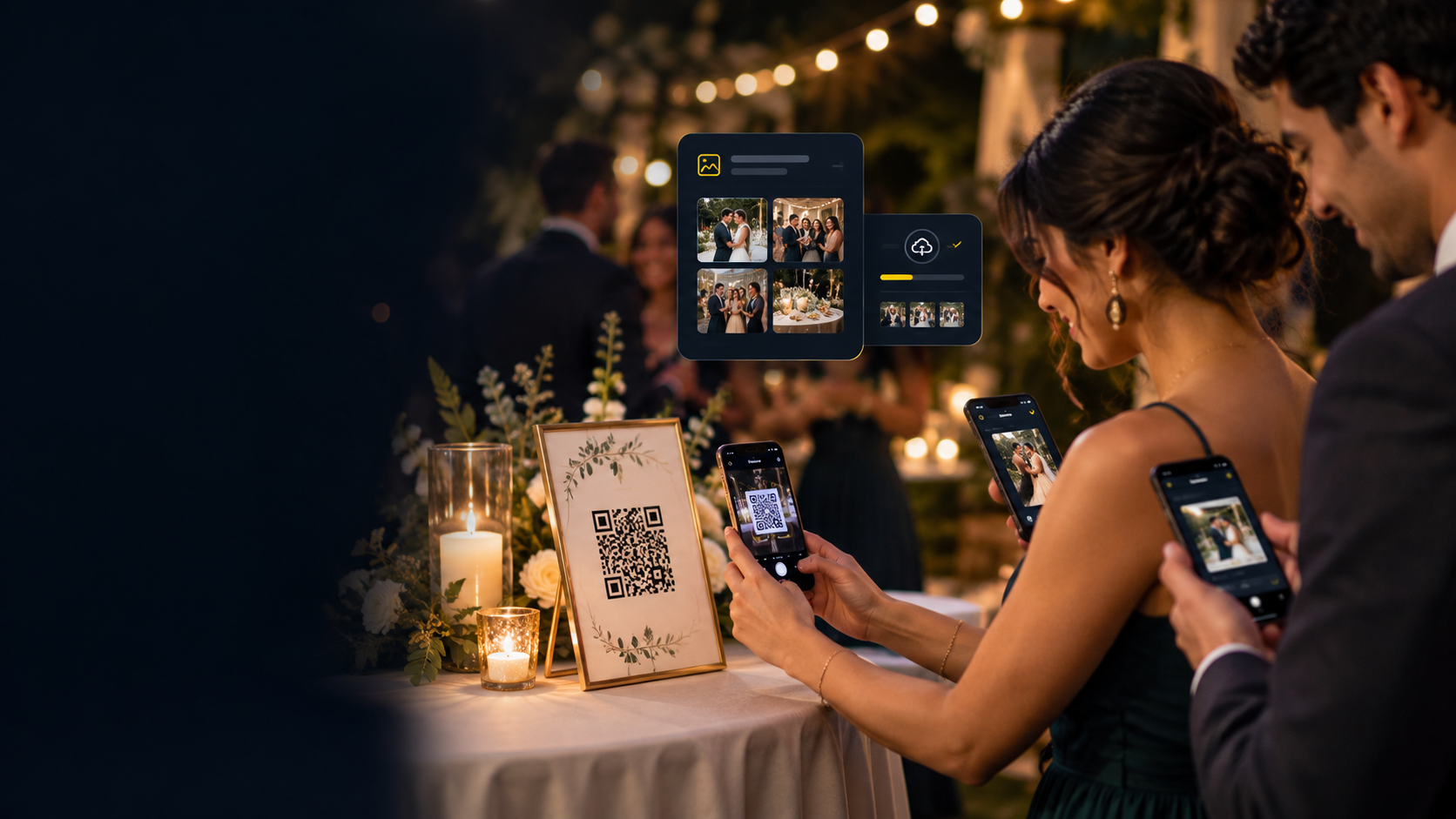
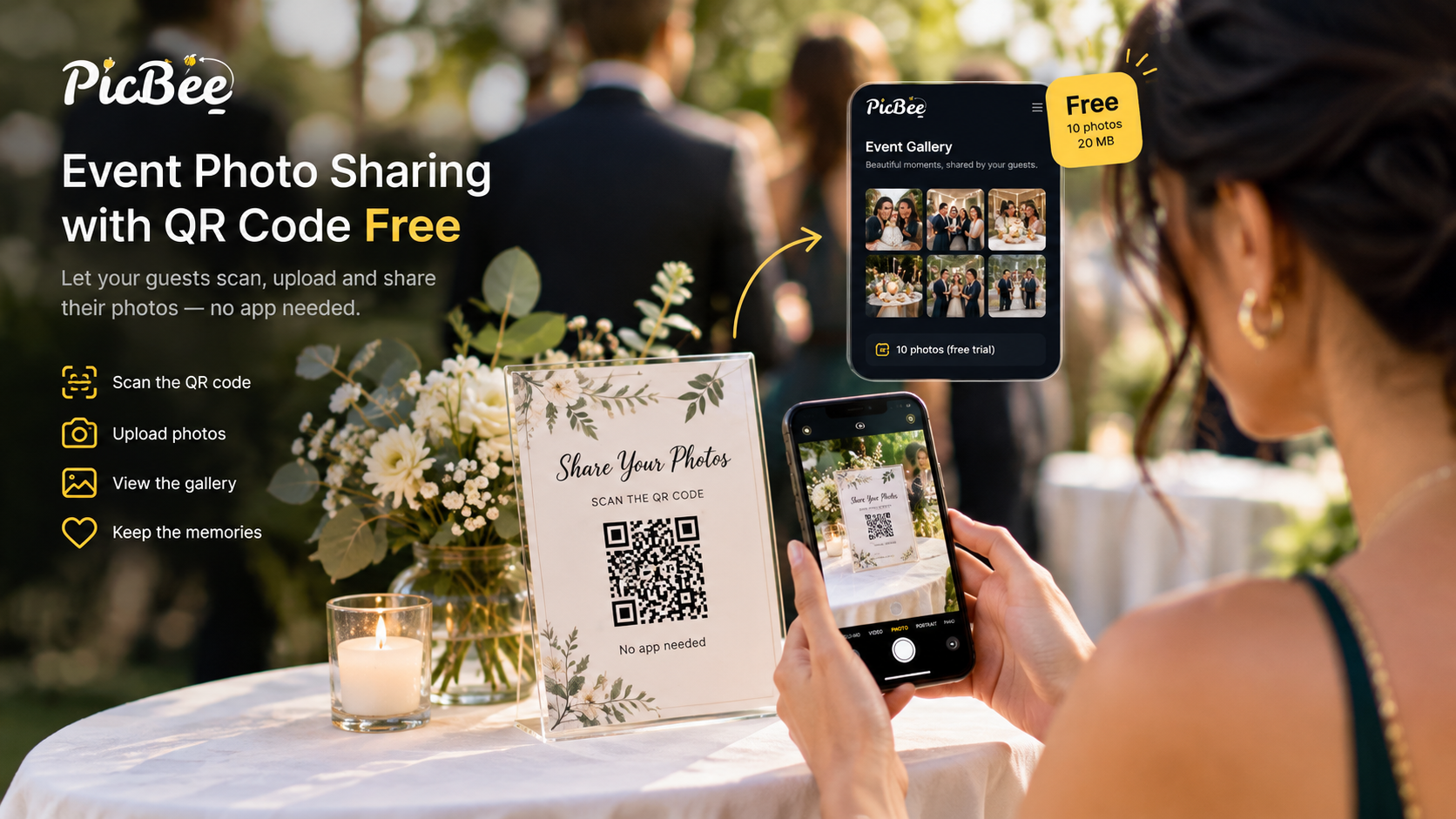
Guest phone photos belong in the same gallery as your set, in an album of their own. That is the idea behind PicBee: both cameras, one gallery. Guests scan a QR code and upload from the phone browser, and their candids from the tables and the dance floor sit next to your work without crowding it.
How do you make a client gallery look professional?
A client gallery looks professional when it carries your brand, opens on a strong image, and lives at an address that looks like your studio rather than a generic file link. Three details do most of the work.
- Your branding. Put your logo and colors on the gallery, so every person who opens the link sees who shot the day. PicBee photographer plans include client branding.
- Your own domain. A gallery at photos.yourstudio.com looks like part of your business. PicBee photographer subscriptions include custom domains: 5 on Photographer, 25 on Professional and 100 on Studio, and Studio adds white label. See how a custom domain for branded galleries works.
- A strong cover image. Choose one frame that sums up the day and make it the first thing the client sees. Skip the detail shot and the group photo with someone mid-blink.
Personal touches finish it. Use the client's names in the gallery title, keep album names the same from job to job, and keep the edit consistent across every album.
How do you protect a client photo gallery?
Protect a client photo gallery with four controls: keep the event private, add a password, decide who can download, and approve guest uploads before they appear. PicBee has all four.
- Private event. Set the event to private when the photos are for invited people only.
- Passwords. You can put a password on the whole event and on single albums. An album password suits a getting-ready set the couple wants to keep to themselves.
- Download controls. You decide who can download, so match the setting to your agreement with the client.
- Guest upload approval. Guest uploads appear straight away by default. Turn on approval if you want to check each photo before it shows in the gallery.
What files do clients receive from a photo gallery?
Clients receive the photo files you allow them to download, so decide quality and download rights before you send the link, and write the same rules into your contract.
- Quality. Paid PicBee plans keep original quality. The free account (1 event, 10 photos) is for testing, not for a client delivery.
- What is included. Say in the contract which files the client gets, at what size, and who else may download them.
- Your archive. The gallery is the shared, client-facing copy, not your backup. Keep the full set on your own drives plus one copy off-site, so you can still help when a client loses theirs years later.
How do you deliver a photo gallery to clients?
Deliver a photo gallery to clients with one clear email that holds the link, the password, what they can download and how long the gallery stays online. Then give the guests the same gallery by link or QR code.
A good delivery email includes:
- The gallery link, with the password on its own line.
- A few favorite images in the email body as a preview.
- What they can download, and how.
- How long the gallery stays online.
- One next step, such as "share this with your families" or "tell your guests where to find their photos".
For guests, share the same gallery. Print the QR code on table cards or a sign at the venue, or send the link afterwards. Guests open it in the phone browser with no app to install, browse, and add their own photos. The page on QR code photo sharing explains how the code works on the day.

Where does face search fit in a client gallery?
Face search fits after delivery: each guest takes a selfie and sees only the photos they appear in, instead of messaging you or the couple to ask for them. In PicBee it searches the whole gallery, so one search covers your set and the guests' phone photos.
- Where it is included. Face search is on every PicBee photographer plan and on the Premium and Ultimate event plans.
- Off until turned on. Face search stays off until it is turned on.
- How face data is handled. Face embeddings are stored on encrypted servers and kept only while the feature is on. Clear Face Data deletes them, and account deletion removes them within 30 days. They are not used for ads and not shared with third parties.
Tell clients and guests the feature is there. A guest who has not heard about it will still ask the couple for photos. Guests can follow the guide to find my photos with face search, and the face recognition photo app page covers the feature in more detail.
Frequently asked questions
Q: What features should a client gallery have?
A: A client gallery should have private access, passwords, download controls, original-quality files, albums, your branding and your own domain. For weddings and events, guest uploads and face search help too, because they put everyone's photos in one place and let guests find themselves. PicBee photographer plans include face search, custom domains and client branding, with guest uploads in the same gallery.
Q: How fast can I set up a client gallery for a last-minute delivery?
A: Fast enough for a same-night preview. Create the event, set the password, upload a small set of selects and send the link. The full gallery follows once the edit is done, in the same event, so the client keeps one link.
Q: How do I limit photo downloads for clients?
A: Use the gallery's download controls and match them to your contract. Keep downloads off until the final payment, then turn them on. Add a password if the gallery should only be seen by people you choose.
Q: How long should a client gallery stay online?
A: As long as your contract says, so put it in the contract. PicBee event plans include 3 months of hosting, with a paid 3-month extension. Photographer subscription galleries stay online while the subscription is active. Keep your own archive either way.
Q: Can guests add their own photos to a client gallery?
A: On PicBee, yes. Guests scan the QR code or open the link, and upload from the phone browser without installing an app. Uploads appear straight away, or you can turn on approval to check them first. Guest uploads are photos only.
Next step
The next step is to run the whole setup on one test event before your next paid job. The free PicBee account holds one event and 10 photos, which is enough to check the albums, the password, the download setting and the QR code on your own phone.