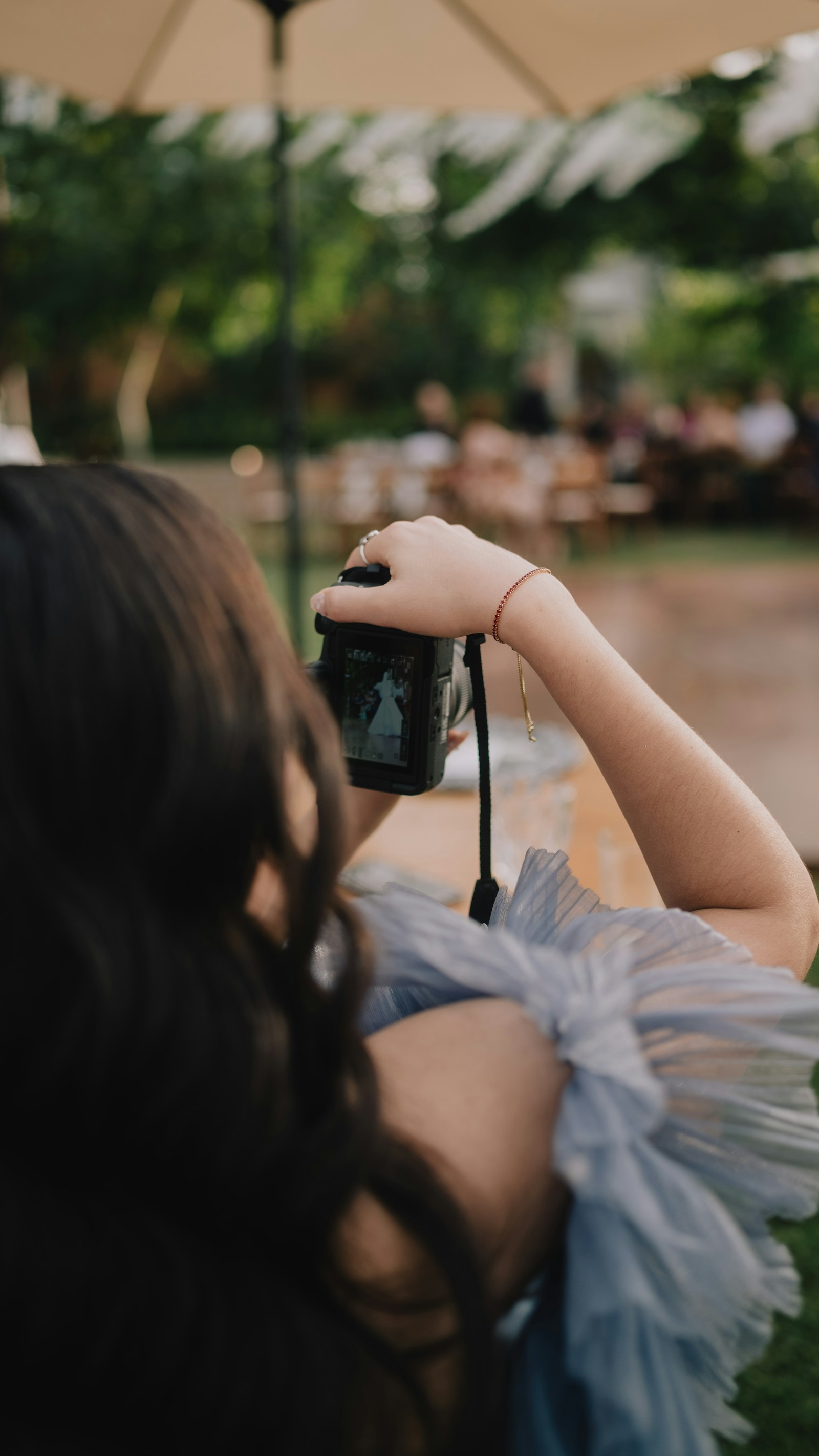
Most digital invites stop at a flat card image. PicBee’s cinematic templates treat the open like a moment: guests tap, watch a short video, then land in a scrollable invitation with story, schedule, travel, gallery, and RSVP.
Two featured wedding designs lead that category: Envelope Reveal and Silk Curtain. Both share the same editor and guest-site sections. The look, motion, and mood are different on purpose.
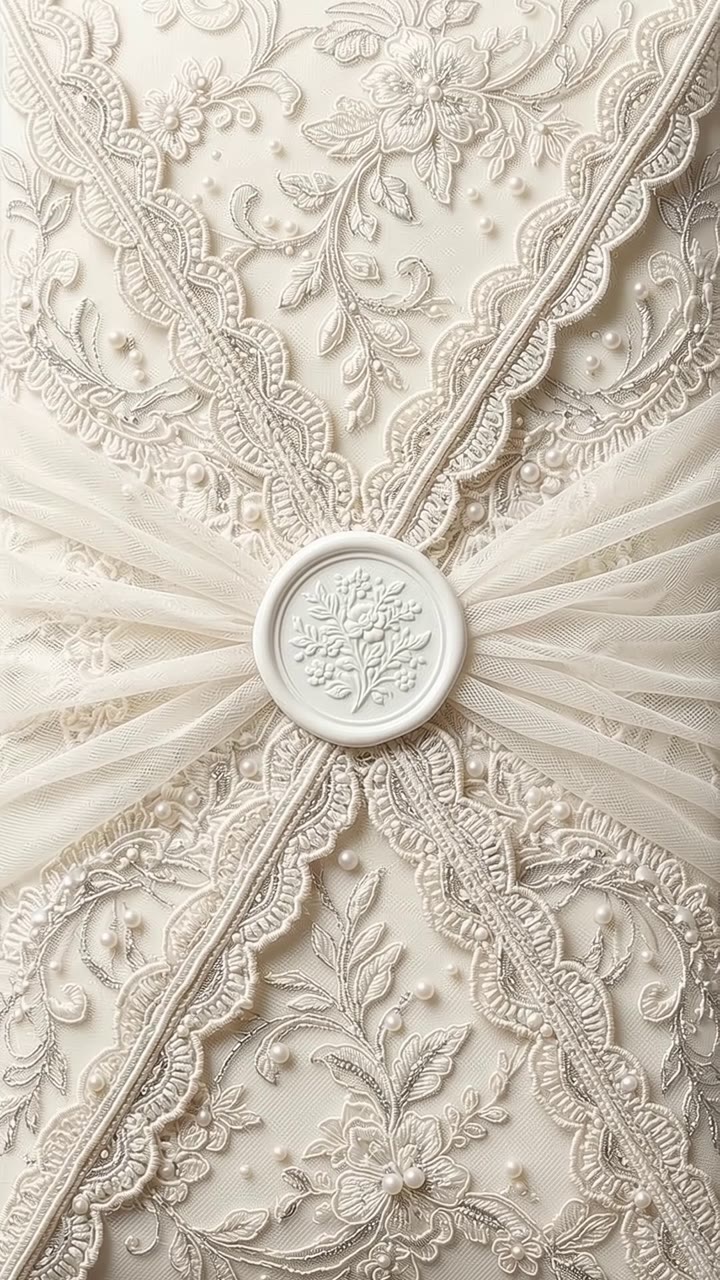
Envelope Reveal: ivory lace, warm paper
Best for: classic church or garden weddings, burgundy and champagne palettes, formal stationery energy.
The closed state shows a lace envelope. Guests tap to open; the video unfolds the lace, then invitation copy fades onto the open paper. Sections below use warm ivory, soft burgundy accents, and line-art florals.
Choose Envelope Reveal when:
- Your print suite is cream, gold, or burgundy
- You want a traditional “open the envelope” metaphor
- Photographers want a timeless preview for client galleries
Music, maps, scratch-to-reveal on the featured photo, and the horizontal gallery after Travel all work the same as Silk Curtain.
Silk Curtain: blush drapery, champagne gold
Best for: romantic evening weddings, soft pink and sage palettes, glam or conservatory venues.
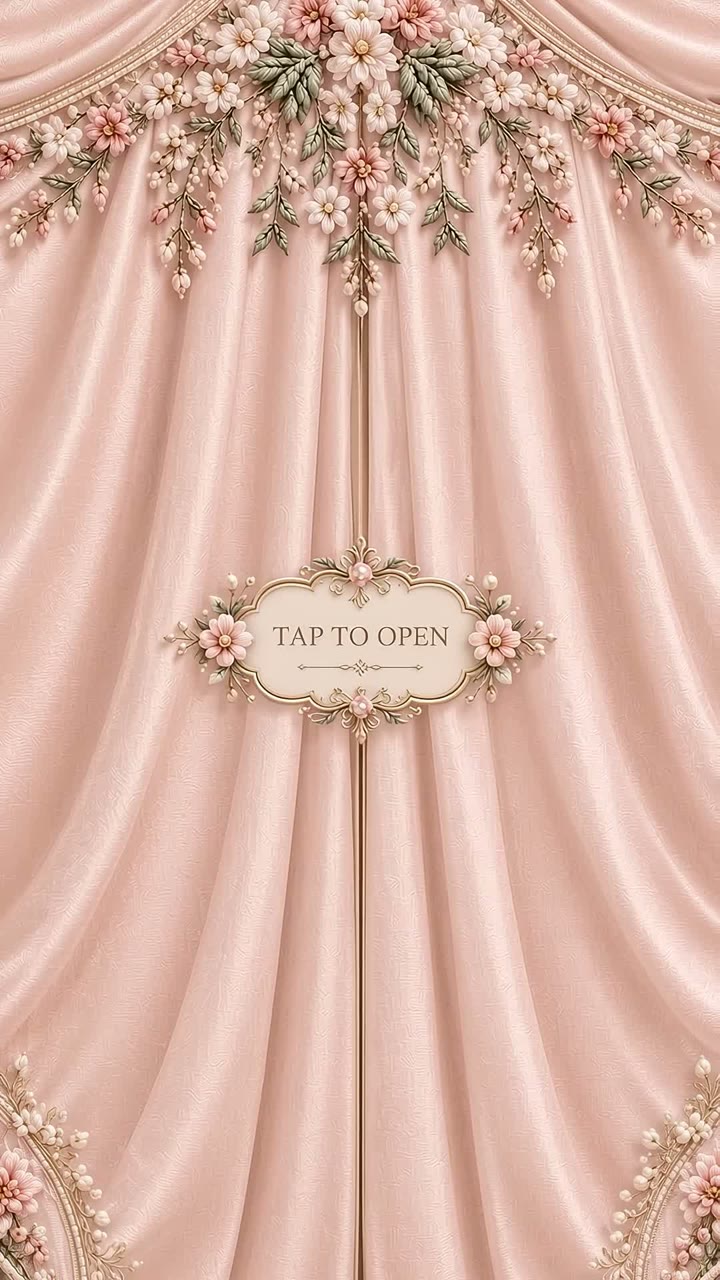
Closed curtains meet in the center with a floral crest. The open animation parts the silk to a bright cream field framed by sculpted blooms. Guest sections lean Playfair-style typography, blush accents, and pearl dividers instead of lace balcony art.
Choose Silk Curtain when:
- The couple’s colors are blush, rose, or champagne
- You want a soft, fashionable first impression
- The venue already feels draped, floral, or candlelit
The poster art already includes a “tap to open” plaque, so the UI keeps the extra chip off the silk preview.
What both templates include
Regardless of which reveal you pick:
- Scrollable guest site: details, countdown, story, schedule, dress code, travel, gallery, gifts, FAQ, RSVP
- Optional background music with guest mute
- Multi-language switching
- PNG / multi-page PDF export
- Video export of the open plus a slow scroll through sections
- Google Maps button (auto search or your custom Maps URL)
Editing lives in the same creator. Switching templates keeps the copy you already typed where it makes sense.
Which one should you send?
| Question | Lean Envelope | Lean Silk |
|---|---|---|
| Palette | Ivory, burgundy, espresso | Blush, cream, sage, gold |
| Formality | Classic / traditional | Romantic / soft glam |
| Metaphor | Opening a letter | Parting the curtains |
| Venue vibe | Chapel, garden, estate | Conservatory, ballroom, evening |
Still unsure? Design both in the free creator, open each on your phone, and send the one that matches the save-the-date you already shipped.
Plans and publishing
You can design and download either template without a subscription. Publishing a tracked RSVP link needs Premium or Ultimate (event hosts) or a paid photographer plan. Essential does not unlock the invitation maker.
Frequently Asked Questions
Can guests skip the video?
They can wait it out; the invite fades in near the end of the clip. Replay is available in the card preview for hosts testing locally.
Do both support galleries and scratch reveal?
Yes. The featured photo stays in Our story; the horizontal gallery sits after Travel.
Will the link work on Instagram in-app browsers?
Yes for viewing. If autoplay is blocked, guests tap once to open, which also unlocks music when enabled.
PicBee Pro Tip
Match the invitation music to the template mood: softer piano for Silk, warmer acoustic for Envelope. Guests can mute anytime; hosts still get the first impression right.
Wrap-Up
Envelope Reveal and Silk Curtain are two doors into the same guest experience. Pick the open that matches your stationery, then let the scroll and RSVP do the rest.
Compare them side by side
Digital wedding invitations → · Browse invitation templates →