A POV camera is a camera that captures an event from a participant's point of view rather than from the photographer's. At events, the phrase means two different things:
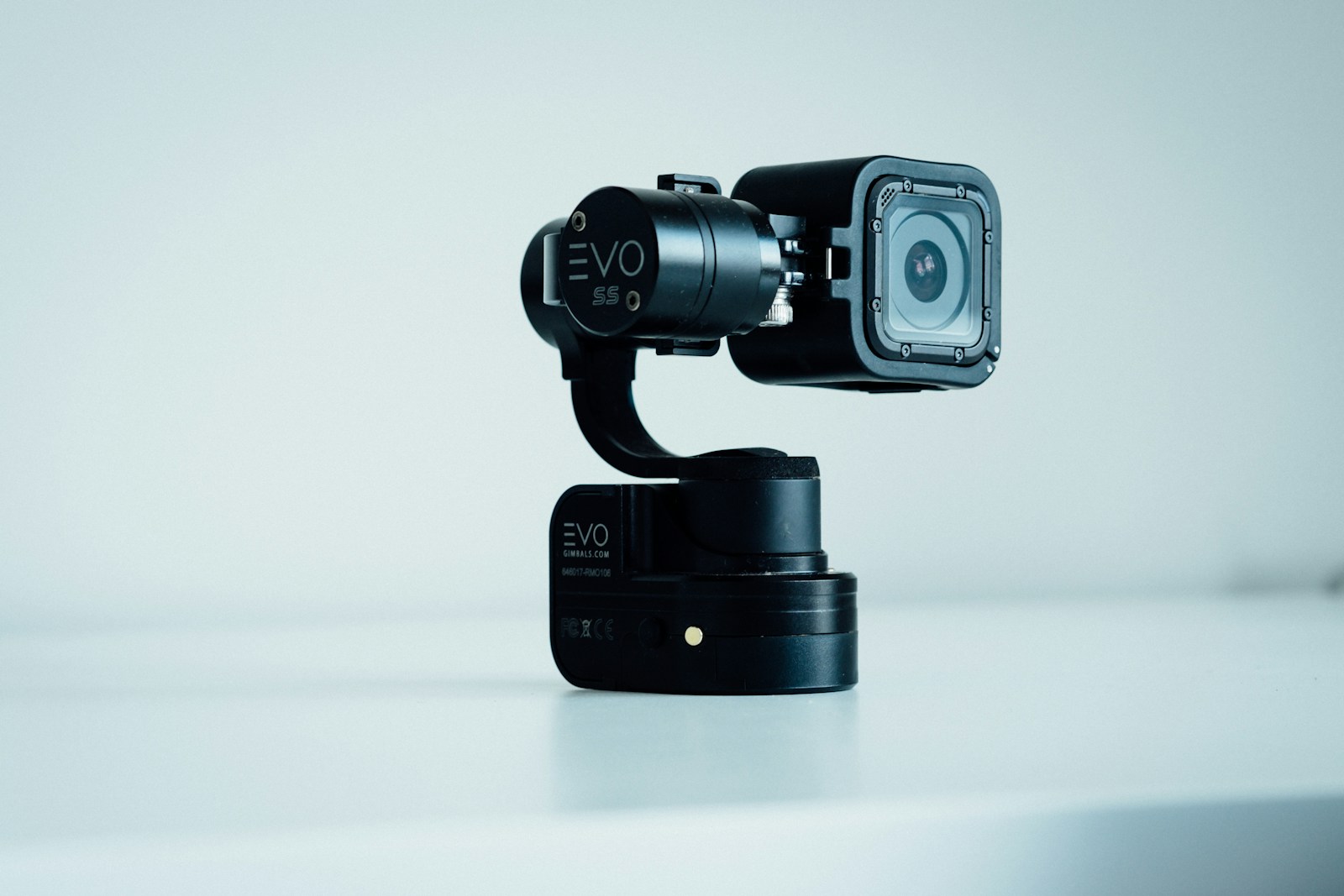
- A wearable POV camera. A small action camera, clip-on camera or pair of camera glasses that records what the wearer sees, hands-free.
- A disposable camera app. A phone camera that guests open from a QR code or link. Photos from every guest collect in one place, and many apps copy film habits such as a limited number of shots and photos that reveal later.
Both give you the view from inside the party. They use different gear, produce different files and suit different moments. This guide covers both, and where PicBee's POV cameras fit.
Wearable camera or disposable camera app: the quick comparison
A wearable POV camera gives you moving footage from one person's angle. A disposable camera app gives you photos from many guests' angles.
| Wearable POV camera | Disposable camera app | |
|---|---|---|
| Who shoots | One wearer at a time | Every guest with a phone |
| What you get | Mostly video, some stills | Photos |
| What you need | The camera, mounts, batteries, memory cards | Guests' phones and a QR code |
| What it costs you | Buying or borrowing hardware | Usually a per-event or subscription fee |
| Where it ends up | A memory card, then an editor | A shared gallery or album |
| Best for | Highlight films, the aisle, the dance floor | Candid photos from every table |
What is a wearable POV camera?
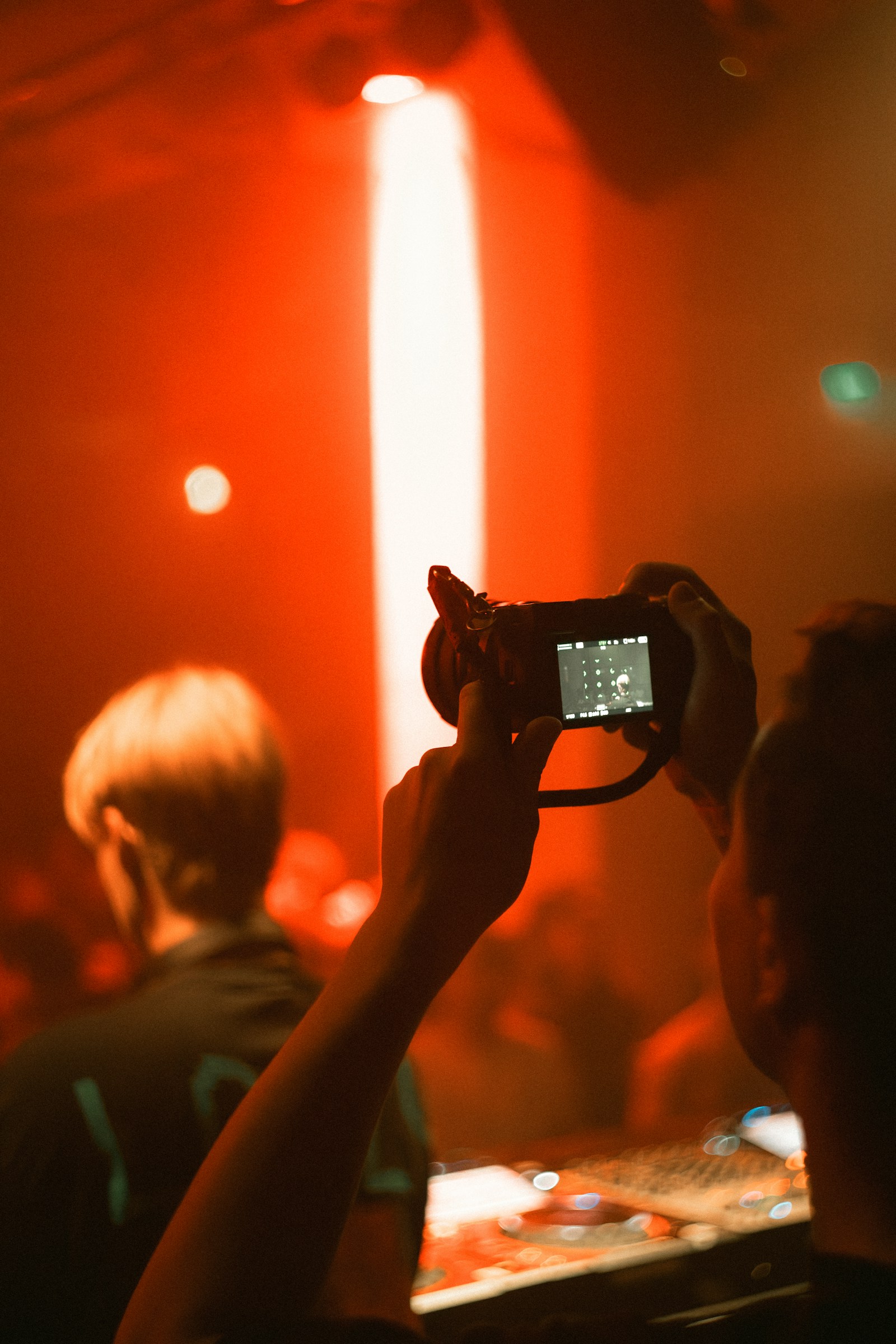
A wearable POV camera is a small camera worn on the body or mounted on an object, set to record without anyone holding it. Because it moves with the wearer, the footage feels like being there.
Three kinds turn up at events:
- Action cameras on a chest or head mount. Rugged and wide-angle, made for movement.
- Clip-on mini cameras, such as Insta360's GO series. Small enough to clip on and forget.
- Camera glasses, such as Ray-Ban Meta. They record from eye level with nothing strapped to the chest.
Check battery life, recording limits and low-light performance on the maker's site for the exact model you choose. They change with every release and with the settings you use.
Angles that work at events
- The guest view (chest mount). Hugs, handshakes and toasts at a natural height during cocktail hour.
- The bouquet or lapel cam. A clip-on camera tucked into the bouquet or on a lapel catches the walk down the aisle and the reaction at the end of it.
- The pass-around cam. A camera on an object that travels the room, like a bottle on the dance floor. Chaotic, and often the best minute of the edit.
- The head strap. The most immersive footage and the silliest look. Only for a wearer who will forget it is there.
How to set up a wearable POV camera
- Charge and clear. Charge every battery, carry spares and start with empty cards. Record the key moments instead of the whole night, and the battery goes further.
- Mount it tight. A loose strap shakes, and shaky footage is hard to watch.
- Stay in the light. Small cameras struggle in a dark reception. Favor lit areas, or add a small LED light.
- Pass it around. Hand the camera to a new wearer through the night for different perspectives.
- Plan for sound. Built-in microphones pick up wind and crowd noise. Accept it, or add an external mic.
- Ask before you film. Tell the couple and the guests, and keep cameras out of private moments.
Where wearable footage goes
Wearable cameras mostly produce video, so the footage usually goes to your videographer or whoever edits the highlight film. Guest upload on PicBee accepts photos only (JPEG, PNG and WebP). If you want a moment from the footage in the gallery, export a still frame and add it like any other photo.
What is a disposable camera app?
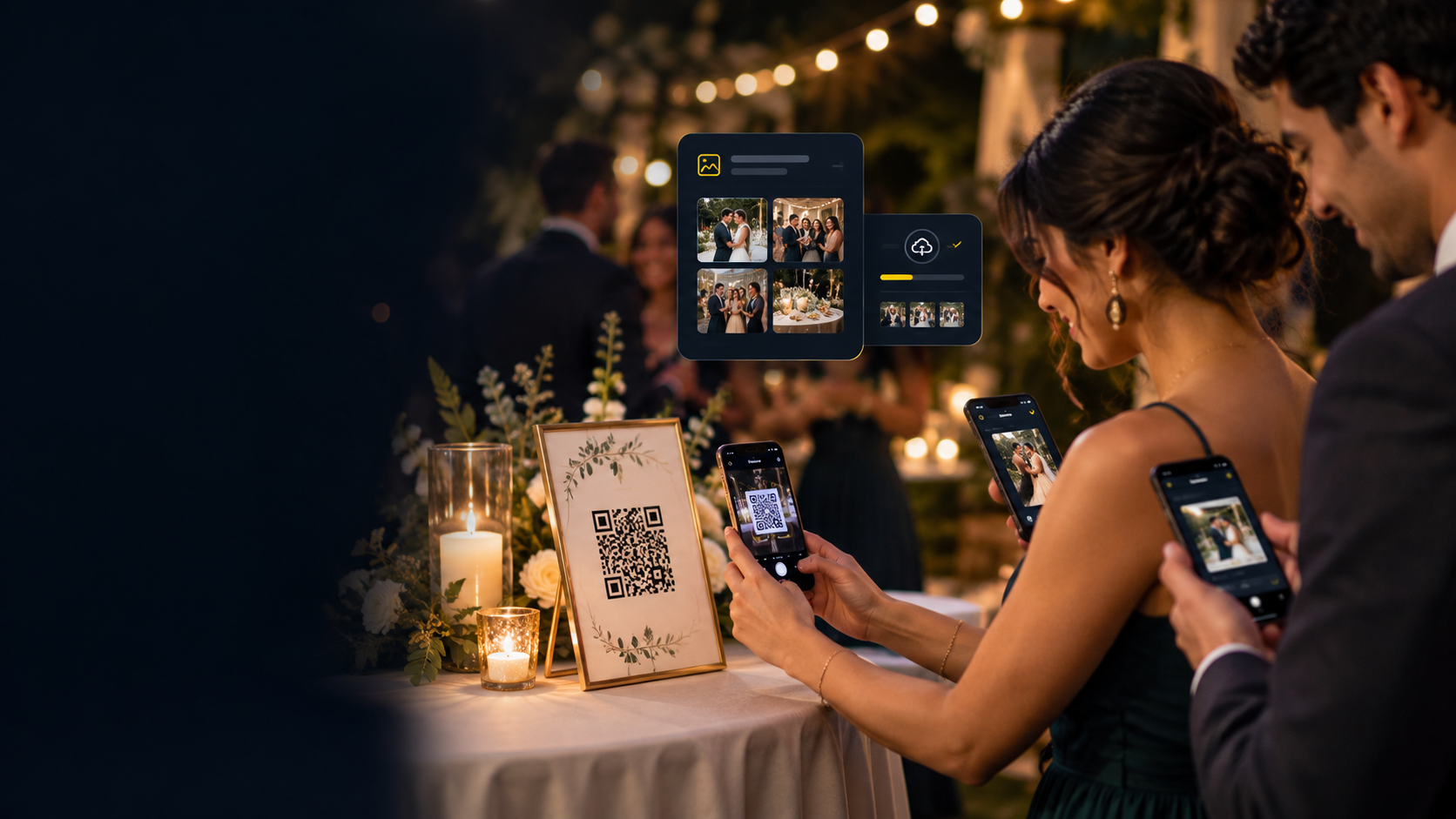
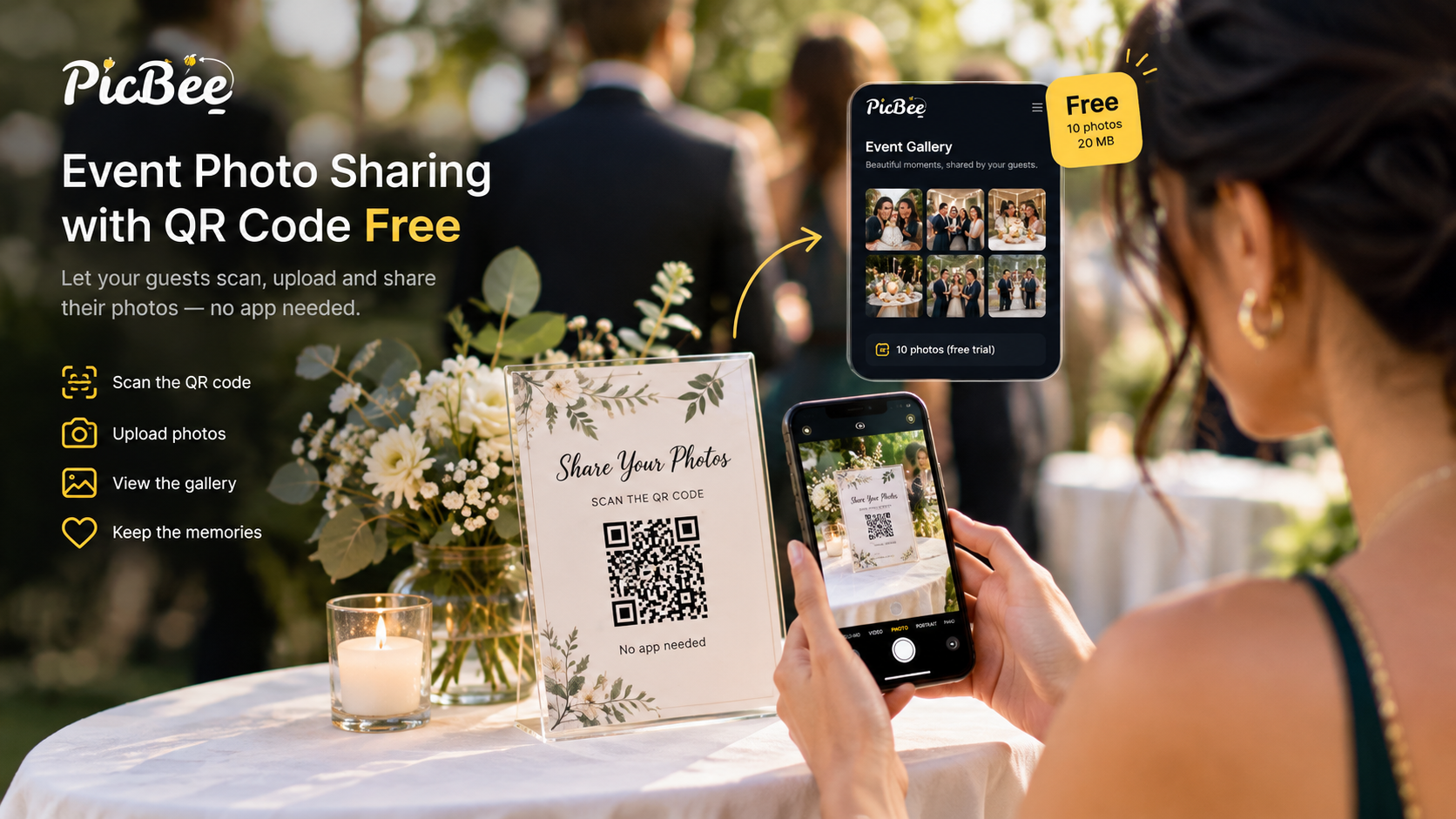
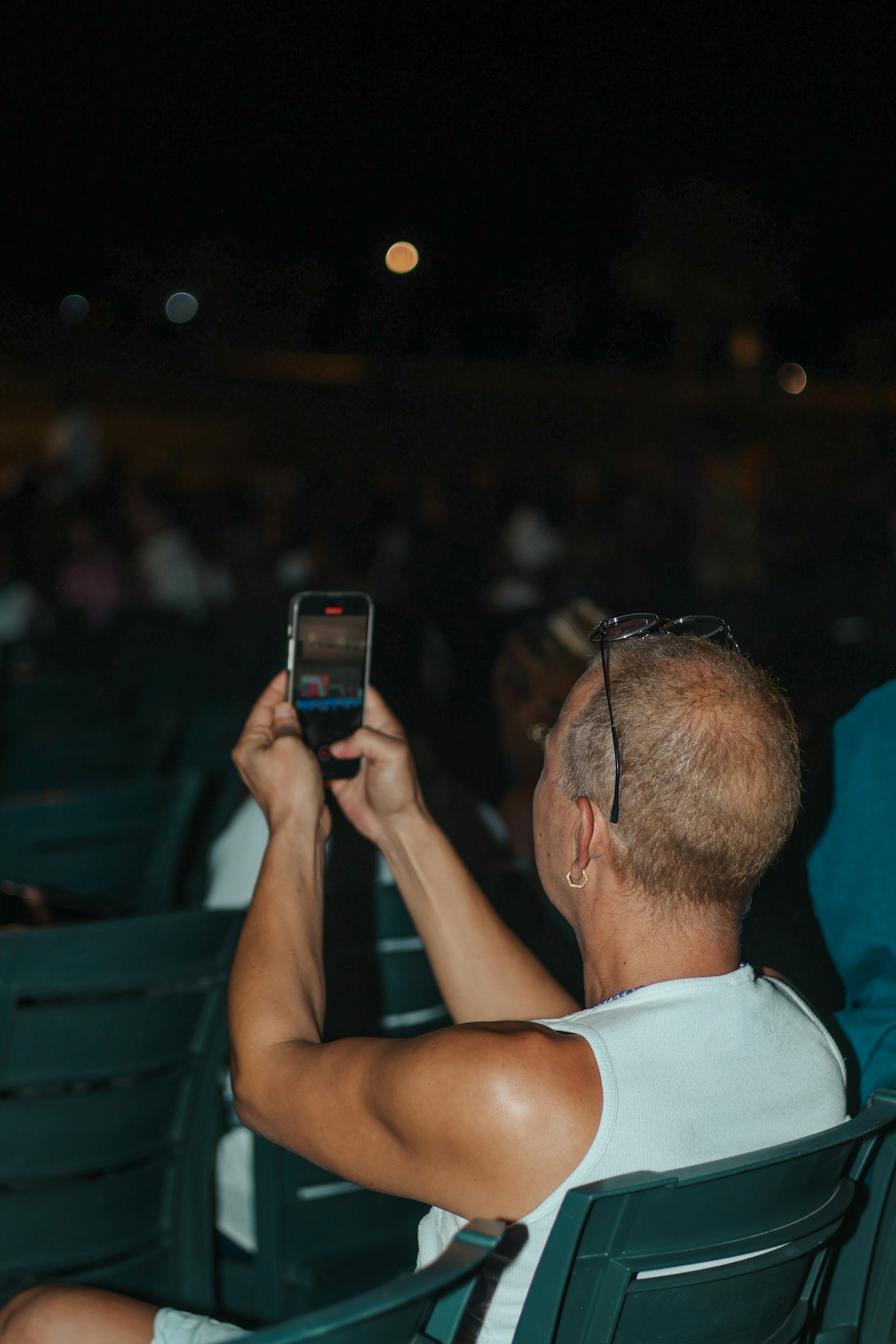
A disposable camera app turns guests' phones into one shared event camera. Guests scan a QR code or open a link, take photos, and every photo collects in one album for the host instead of staying on each person's phone.
Many of these apps borrow from film cameras: a set number of shots per guest, a retro look, and photos that stay hidden until a set reveal time. The idea is that guests take fewer, more deliberate photos and get back to the party.
Before you pick one for a wedding or party, check:
- Install or browser? Can guests use it in the phone browser, or must they download an app first? Every install step loses guests.
- Shots and reveal. How many photos each guest gets, and when they see them.
- Moderation. Whether you can review photos before the whole room sees them.
- Quality. What file you download at the end, on the plan you would actually buy.
- Hosting. How long the album stays online, and how you get the photos out.
- Price. Per event or subscription, checked on the vendor's own site the week you buy.
How do PicBee's POV cameras work?
PicBee's POV cameras are the phone kind, built into the event gallery. Guests open a POV camera from a link or QR code in the phone browser, with no app to install, and on iPhone the link can also open as an App Clip. The photos they take land in the event gallery, together with the photos guests upload, the digital photo booth strips and the photographer's set.
That last part is the point. A disposable camera album that lives in a separate app is one more place to collect from after the wedding. With POV cameras inside the gallery, the guest view and the professional view sit together, and guests find everything from the same QR code.
POV cameras are included on the Premium and Ultimate event plans and on every photographer plan. They are not on Essential or the free account. Plan details are on the event pricing page, and the wedding photo sharing page shows how the pieces fit together on a wedding day.
Which should you use?
Use a wearable POV camera when you want moving footage from one perspective and someone will edit it. Use a disposable camera app when you want photos from every table in one place. At a bigger wedding, use both: a clip-on camera for the aisle and the dance floor, and POV cameras for the guests.
Neither replaces a professional photographer. POV shots are the raw, inside view. Your photographer still makes the portraits and the pictures you frame.
Frequently asked questions
Q: What is a POV camera?
A: A camera that records an event from a participant's point of view. It can be a wearable camera, such as an action camera or camera glasses, or a disposable camera app that turns guests' phones into one shared camera.
Q: Are POV cameras a replacement for a wedding photographer or videographer?
A: No. They add the guest's-eye view. Keep the professionals for the portraits, the ceremony and the edited film.
Q: Do guests need to download an app for a disposable camera at a wedding?
A: It depends on the product. PicBee's POV cameras open in the phone browser from a link or QR code, and on iPhone they can also open as an App Clip.
Q: Can guests upload POV video to PicBee?
A: No. Guest upload accepts photos only, in JPEG, PNG and WebP. Export still frames from the video, or hand the footage to your videographer.
Q: Which PicBee plans include POV cameras?
A: The Premium and Ultimate event plans, and the Photographer, Professional and Studio subscriptions. Essential and the free account do not include them.