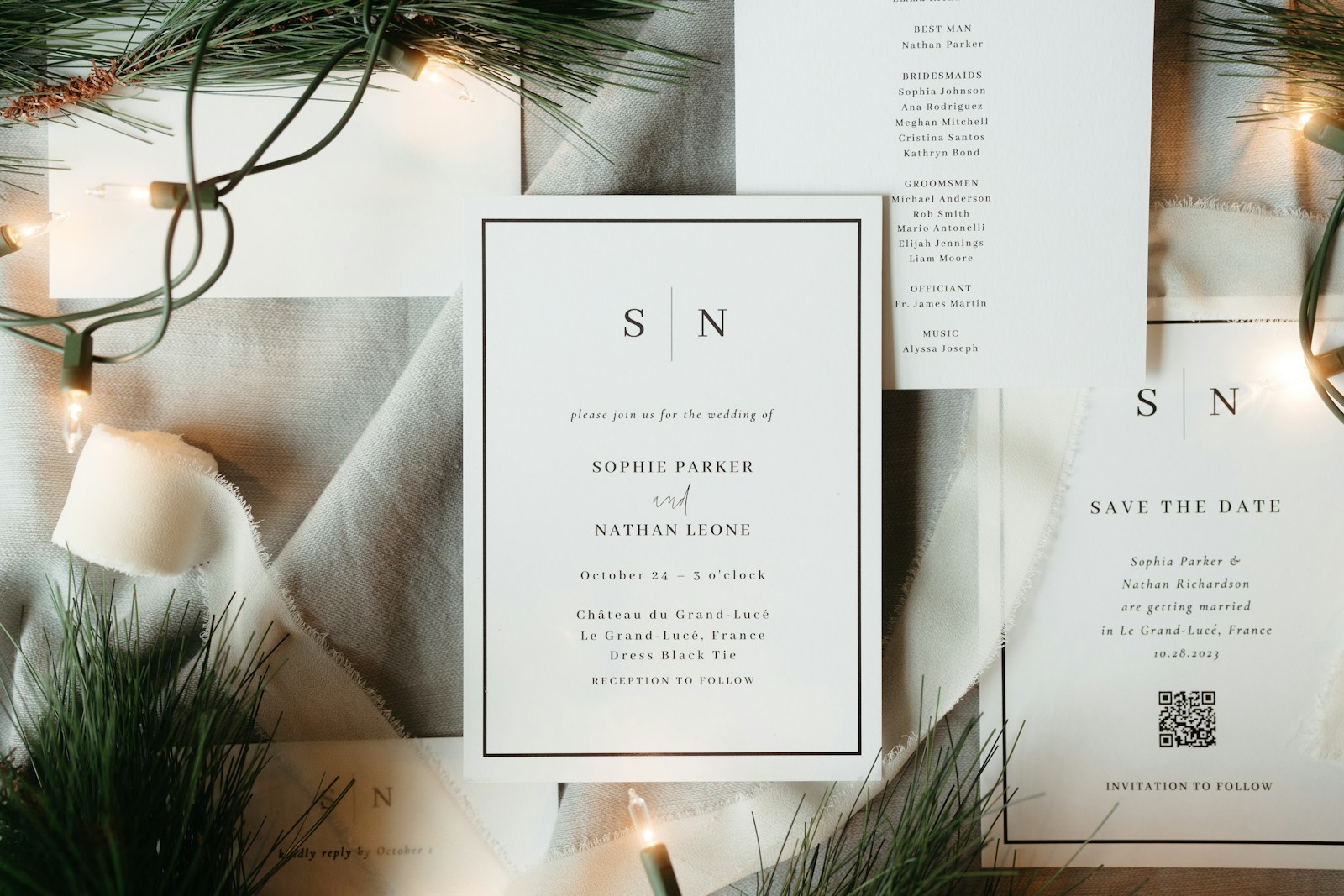
Paper suites are beautiful. They are also slow to print, expensive to re-send, and awkward when Aunt Mei changes her plus-one twice.
A digital wedding invitation solves the logistics without looking like a generic email. Guests open a link, watch a short reveal, scroll your story and schedule, and RSVP from their phone. You see responses in your dashboard instead of chasing screenshots in WhatsApp.
PicBee’s invitation creator is built for that flow: design free, share when you are ready, track RSVPs on Premium and Ultimate (and paid photographer plans).
1. Start with the right template
Start from our digital wedding invitations page or open PicBee Invitations and browse by occasion. For weddings, two cinematic options lead the gallery:
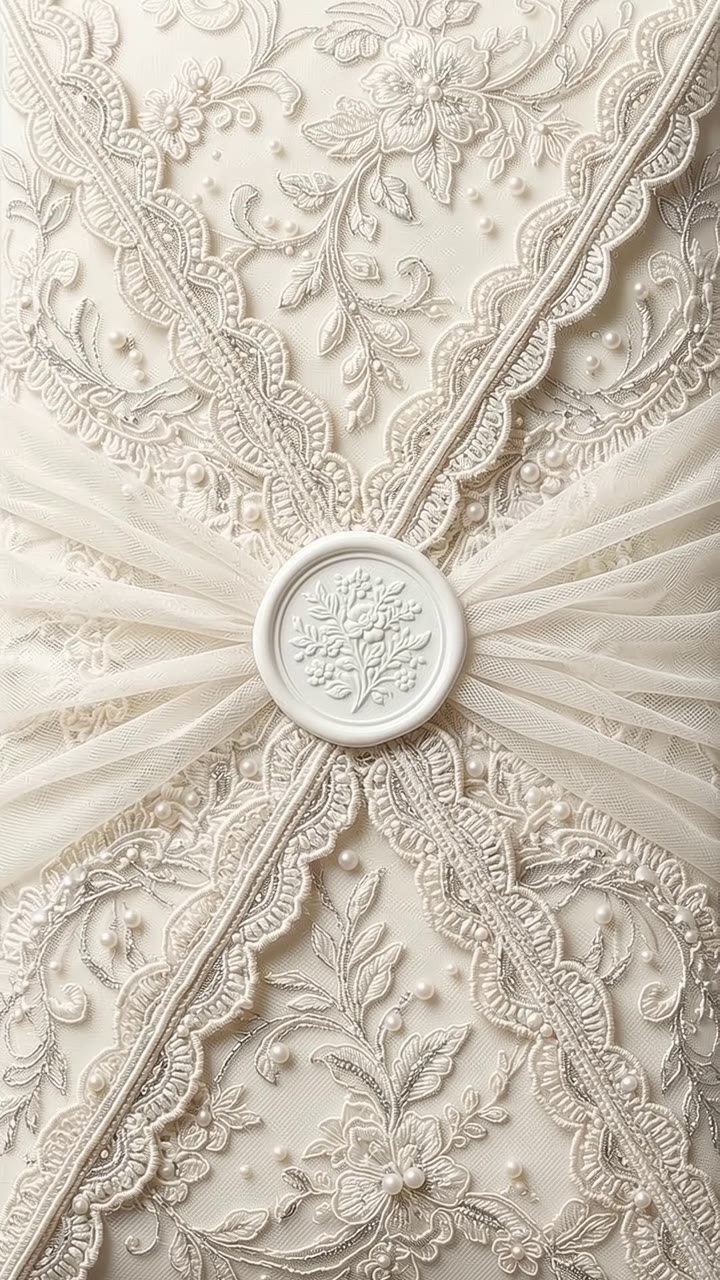
- Envelope Reveal – a lace envelope opens on video, then a scrollable ivory invitation.
- Silk Curtain – blush silk curtains part to a cream paper layout with soft florals.
Classic card templates (Eternal, Bloom, Coastal) still work if you want a static PNG or PDF only. Cinematic templates shine when you share the public link so guests experience the open animation.
2. Fill the details once
In the editor, treat the form like a wedding website short-form:
- Hosts, title, eyebrow, and subtitle
- Date, time, venue name and address
- Optional Google Maps URL (paste a place link if search is not enough)
- Dress code, travel notes, gifts, FAQ
- Story copy and a featured photo (scratch-to-reveal optional)
- Photo gallery slides (shown after Travel)
Toggle guest-site sections on or off and drag to reorder. Add a second language if your guest list needs it.
3. Preview the guest experience
Use the live preview to open the invitation the way a guest will:
- Tap to open the video reveal.
- Scroll details, countdown, story, schedule, travel, gallery, gifts, FAQ.
- Mute music with the Music control if you are testing with sound on.
Download PNG or multi-page PDF when you need print or chat-friendly stills. Video export is available for the cinematic templates when you want a shareable clip of the open plus scroll.

4. Publish a share link and collect RSVPs
Designing is free. To publish a tracked RSVP link you need a plan that includes invitations (Premium or Ultimate for event hosts, or a paid photographer plan).
Then:
- Save the invitation to your PicBee dashboard
- Copy the public share URL
- Send it in your save-the-date follow-up, wedding website, or group chat
- Watch going / maybe / can’t responses land in one list
Guests do not need a PicBee account. Turnstile protects the form from bots.
5. Keep the gallery and invite in the same ecosystem
If you already use PicBee for guest photo uploads and the wedding website, the invitation becomes the front door: RSVP first, QR gallery later. One brand, one guest list mindset, fewer apps for your couple or clients.
Frequently Asked Questions
Do guests need an app?
No. The invitation is a web page. Any modern phone browser works.
Can I still print something?
Yes. Export PNG or PDF from the creator for programs, welcome bags, or a framed table card.
Which plans include invitations?
Premium and Ultimate event plans, plus paid photographer plans. Essential does not include the invitation maker.
Can I change details after I send the link?
Yes. Edit and save; the same share token shows the updated content.
PicBee Pro Tip
Add a custom Maps URL for venues that search engines misplace (private estates, rooftops, hotel ballrooms with multiple entrances). Guests hit Google Maps once and arrive at the right door.
Wrap-Up
A digital invitation should feel like stationery, not a form. Pick a cinematic template, fill your story, share one link, and let RSVPs collect themselves.
Ready to design yours?
Browse digital wedding invitations → · Create a free invitation →