A digital photo booth is a photo booth that saves every picture as a file and sends it to the guest's phone by QR code, text, email or an online gallery, instead of handing over only a paper print. The camera can be a DSLR, an iPad or a phone. What makes it digital is where the photo ends up: in the guest's camera roll, and in a gallery you keep after the event.
Below: the kit you need, how guests get their photos, what drives the cost, and whether to hire, buy or run a booth on a tablet. PicBee makes event galleries with a booth built in, so we say plainly where a hired booth is the better call.

What is a digital photo booth?
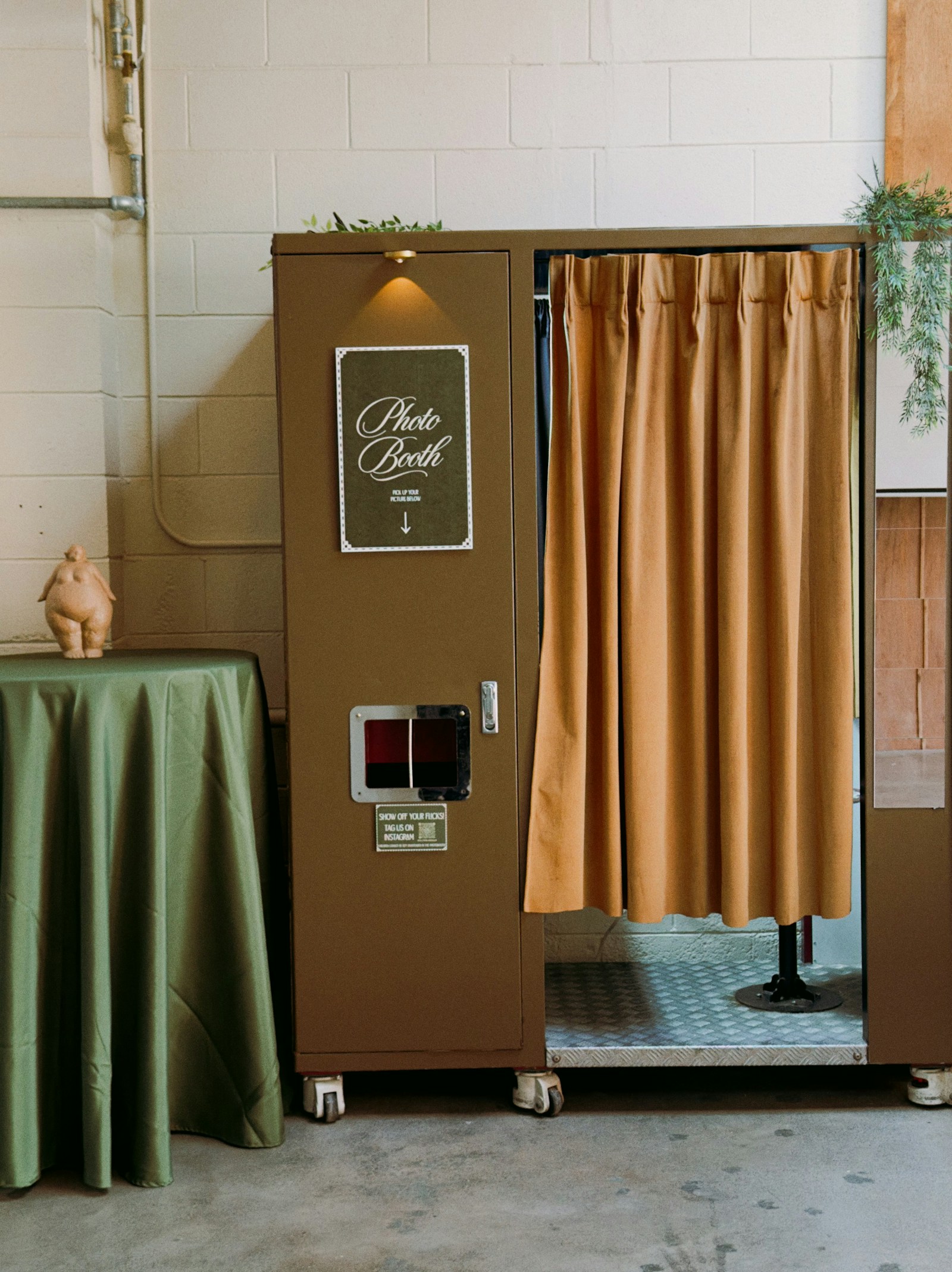
A digital photo booth is a camera, a screen and booth software set up in one spot, so guests can take their own photos and receive them as files straight away. Many are open-air: a stand, a light and a backdrop rather than the old curtained box.
Every digital booth has the same four parts:
- A capture device. A tablet or phone for a light setup, or a DSLR or mirrorless camera with a laptop for a professional booth.
- Booth software. It runs the countdown, applies the frame or template, and lays out the shots.
- A delivery method. A QR code on screen, a text, an email, AirDrop, or a link to an online gallery.
- An optional printer. Some digital booths still print. Many skip the printer and send files only.
Depending on the software, a booth can produce single photos, photo strips, GIFs, boomerangs or short clips. PicBee's booth makes classic 4-cut photo strips: four shots in a row, laid out as one strip.
Can photo booths do digital photos?
Yes, unless it is a vintage film booth. A booth with a digital camera creates a file for every shot, even when it also prints. The real question is whether guests receive that file. A print-only booth may leave the files on the operator's laptop, so before you book, ask whether guests get digital copies, how they get them, and for how long.
What do I need in a digital photo booth?
You need a camera device, a stand, good light, a backdrop, power, a data connection, booth software and a sign that tells guests what to do. A printer, props and an attendant are optional.
| Item | What it does | Practical note |
|---|---|---|
| Phone, tablet or camera | Takes the photos | A tablet is the simplest. A DSLR gives more control but needs a laptop and more setup. |
| Stand or tripod | Holds the device at face height | Secure it. A tablet on a wobbly tripod near the dance floor will get knocked. |
| Light | Makes faces look good | A ring light gives flat, even light. A softbox or strobe gives a more styled look. |
| Backdrop | Cleans up the background | A wall, a curtain or a printed backdrop. Anything beats the fire exit. |
| Power | Keeps it running all night | Set up near an outlet, tape the cables down, and charge everything the day before. |
| Data connection | Sends photos to phones and the gallery | Venue Wi-Fi can be weak in basements and barns. Bring a phone hotspot as a backup. |
| Booth software | Countdown, layout, templates, delivery | Ask what happens when the connection drops, before the day. |
| Sign with a QR code | Tells guests how it works | One line of instructions and one code. |
| Printer, props, attendant | Optional extras | Prints need paper and ink. An attendant keeps the queue moving. |
Before guests arrive, test the whole loop: take a strip, scan the QR code on a different phone, and check the strip reaches the gallery. Place the booth near the dance floor, away from the speakers.
How do guests get their photos from a digital photo booth?
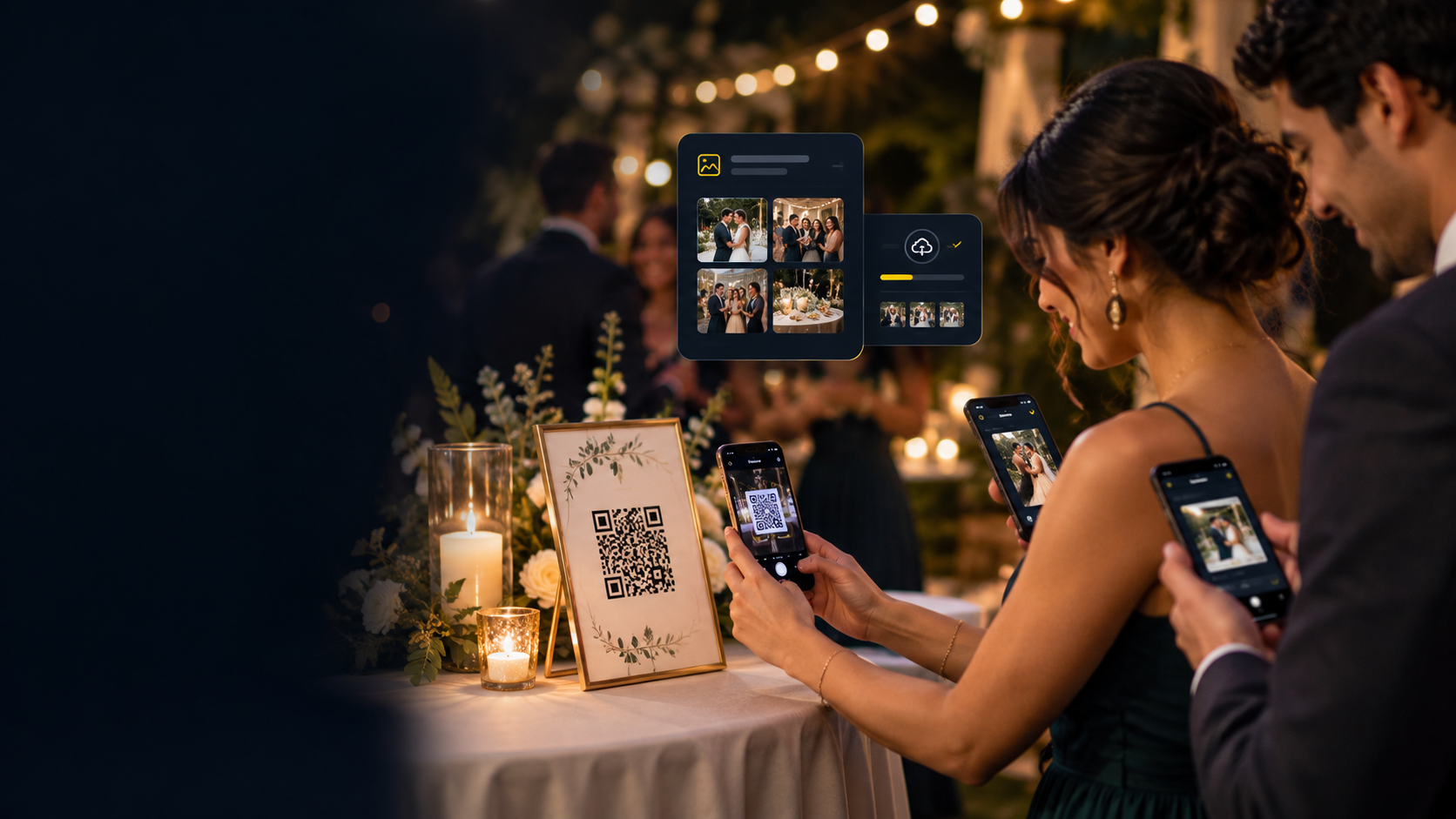
Guests get their photos in one of two ways: on the spot, from the booth screen by QR code, text, email or AirDrop, or afterwards, from an online gallery the host or operator shares. The best setups do both, so a guest who skipped the QR code can still find their strip next week.
This is where a digital photo sharing booth earns its name. The share on the night is fun. The gallery is what lasts. If you hire a booth, ask the vendor three things before the event:
- How do guests receive photos at the booth?
- Is there an online gallery of every booth photo, and who gets the link?
- How long does that gallery stay online, and can you download the photos?
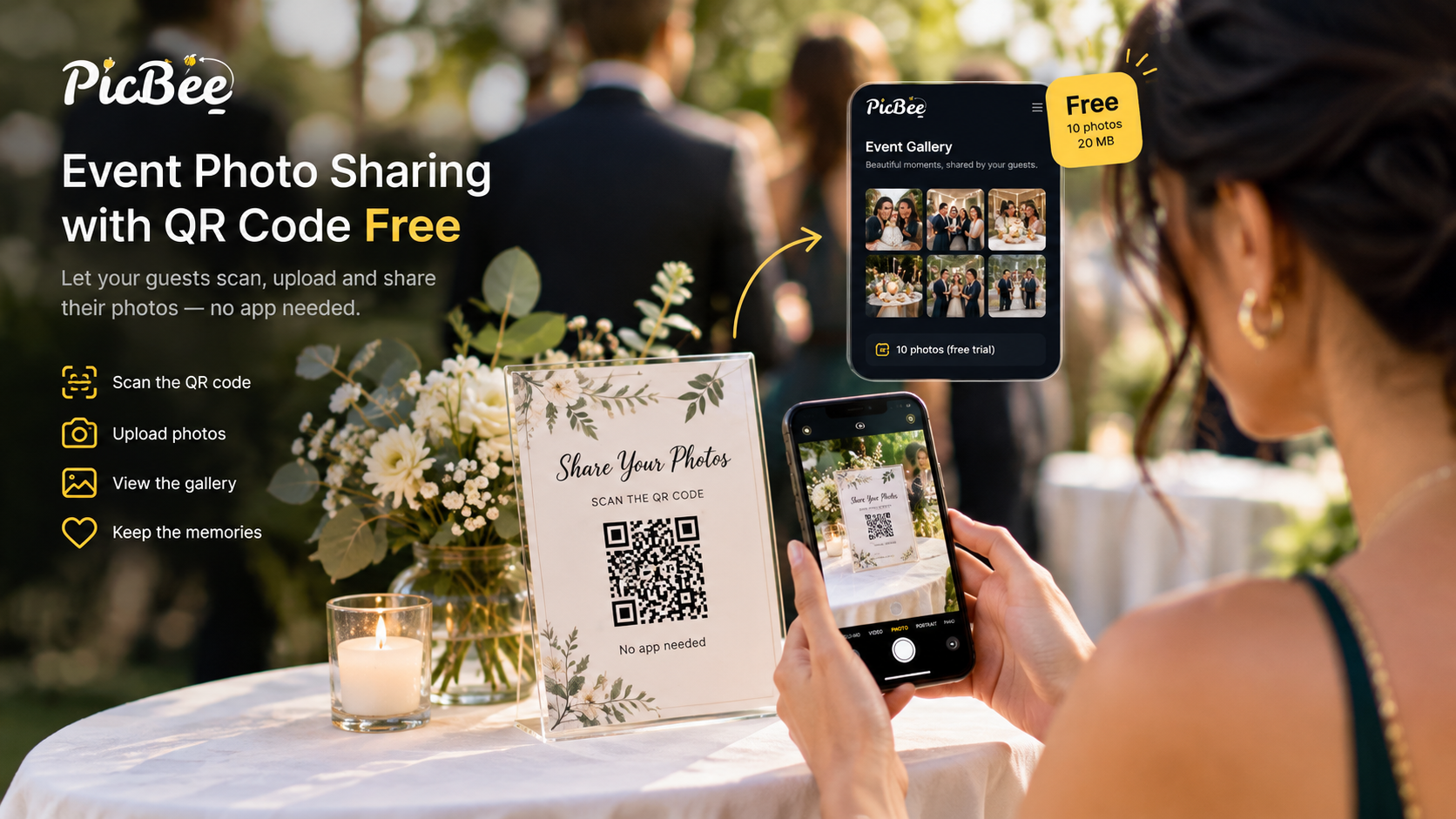
A booth that feeds the same gallery as the rest of the event saves you a job later. On PicBee, the booth runs on a phone or tablet you set up at the venue. Guests take four photos, the booth turns them into a strip, and they can download it or open it from a QR code. Every strip is also saved to the event gallery, next to the photos guests add by scanning the event QR code. You can put that gallery on a screen during the party as a live slideshow.
How much does a digital photo booth cost?
The cost of a digital photo booth depends on which route you take: hiring an attended booth, buying the hardware, or running booth software on a device you already own. Within each route, the same things push the price up or down:
- Hours and staffing. An attendant, setup and travel time are usually built into a hired booth's price.
- Hardware. Camera or tablet, stand, lighting and cases, and who owns them.
- Printing. Paper, ink and a printer add cost to every event that wants prints.
- Software. Booth apps are often a subscription or a per-event fee.
- Design. Custom templates, branded overlays and backdrops.
- Delivery. How the files reach guests, and how long the gallery stays online.
Hire and hardware prices vary by city, vendor and season, so we do not quote market ranges here. Get two or three written quotes that list the hours, the prints, and how and for how long guests get their files.
On PicBee, the booth is included with every paid event plan. Essential is $29, paid once for one event, and includes the booth, guest uploads, a QR gallery and 3 months of gallery hosting. Premium, at $39, adds face search, POV cameras and photobooks. You bring the phone or tablet. PicBee does not rent hardware or sell prints. Current plan details are on the event pricing page.
Rent, buy or run it on a tablet?
Hire a booth when you want it handled and want prints. Buy a booth only if you will run it at many events, usually as a business. Run a digital booth on a phone or iPad when you want the photos in the event gallery and are happy to set it up yourself.
| Hire an attended booth | Buy a booth | Run a digital booth on a phone or tablet | |
|---|---|---|---|
| What you get | Hardware, lighting, setup, often an attendant and prints | Your own kit and your choice of software | The device you own, booth software, photos in the event gallery |
| What you take on | A fee per event, booking ahead, files delivered on the vendor's terms | Upfront cost, storage, transport, repairs, software, and being tech support on the night | Setting it up and checking on it during the event |
| Prints | Usually available | If you buy a printer | Not with PicBee: digital strips only |
| Best for | A host who wants no setup at all | Photographers, DJs and venues running it at many events | Hosts and photographers who want booth photos with everyone else's |
A few questions settle it quickly:
- How many events? One wedding is a hire or a tablet. A steady calendar of events is where owning starts to make sense.
- Do prints matter? If guests expect a paper strip to take home, hire a booth with a printer or buy one.
- Who watches it? A hired attendant handles queues, jams and flat batteries. With a tablet booth, give a friend or the coordinator the job.
- Where do the files go? Whichever route you pick, decide where every booth photo ends up after the night.
If you are buying as a business, the hardware is the start, not the end. Budget for transport, storage, repairs, insurance if your venues ask for it, and booth software. Ask an accountant how equipment is taxed where you live.
For a wedding photographer, the tablet route has one more advantage: you run the booth at the wedding you are shooting, and the strips sit in the same gallery as your own photos and the guests' phone photos.

What is the best digital photo booth app?
The best digital photo booth app is the one that fits your setup. A booth business usually needs pro software that drives a DSLR, a printer and branded templates. A host or photographer who wants booth photos inside the event gallery needs a gallery with a booth built in. Check these before you choose:
- It runs on the device you have: phone, tablet or camera.
- It tells you what happens when the signal drops.
- It lets you add the event name, date and colors to the template.
- Guests can get their photos without installing anything.
- Every photo is kept in a gallery you control, and you know how long it stays online.
PicBee's photo booth app for events is the second kind: a 4-cut booth on any phone or tablet, with every strip saved to your event gallery.
Frequently asked questions
Q: Do guests need to download an app to use a digital photo booth?
A: Not with PicBee. Guests take their strip at the booth and get it from a QR code or the event gallery in their phone browser. Other booths vary, so ask the vendor.
Q: Can a digital photo booth work outdoors?
A: Yes, in the shade. Direct sunlight washes out faces and can overheat a tablet or phone, so use a tent, a covered porch or a shaded wall.
Q: Can a digital photo booth print photos?
A: Some can, with a printer attached. PicBee's booth is digital: guests download their strips, and every strip is saved to the event gallery. PicBee does not sell prints or printers.
Bring the booth into the gallery
A digital photo booth works best when its photos do not end up somewhere separate. Put the booth strips, the guests' phone photos and the photographer's set in one gallery, and nobody has to chase anyone for pictures after the event. For a different angle on the same party, our guide to POV cameras for events covers wearable cameras and disposable camera apps.