
Photo booth app for events
The complete guide to running a digital photo booth from a phone, tablet, or laptop browser: countdown shots, 4-cut strips, and every frame saved to the same gallery as guest uploads.
Jump to:What is a digital photo booth for events?·How PicBee compares to other booth tools·How the booth works·What PicBee is not·For photographers·Which plans include the photo booth·Best for·Frequently asked questions

Key takeaways
- PicBee turns a phone, tablet, or laptop browser into a booth. No rented hardware required.
- QRPix and EventPix sell browser booths too. PicBee puts strips in the same gallery as QR uploads and the photographer set.
- Included from Essential ($29). Not on Free.
- Strips are digital. PicBee does not print and does not rent booths.
- Guests get their strip on their own phone by QR code after the four shots.
- Show booth photos on the live slideshow so the station stays busy.
- Photographers: the booth runs inside the client event on every photographer plan.
- Strip-focused SERP details live on the photo strips feature page.
What is a digital photo booth for events?
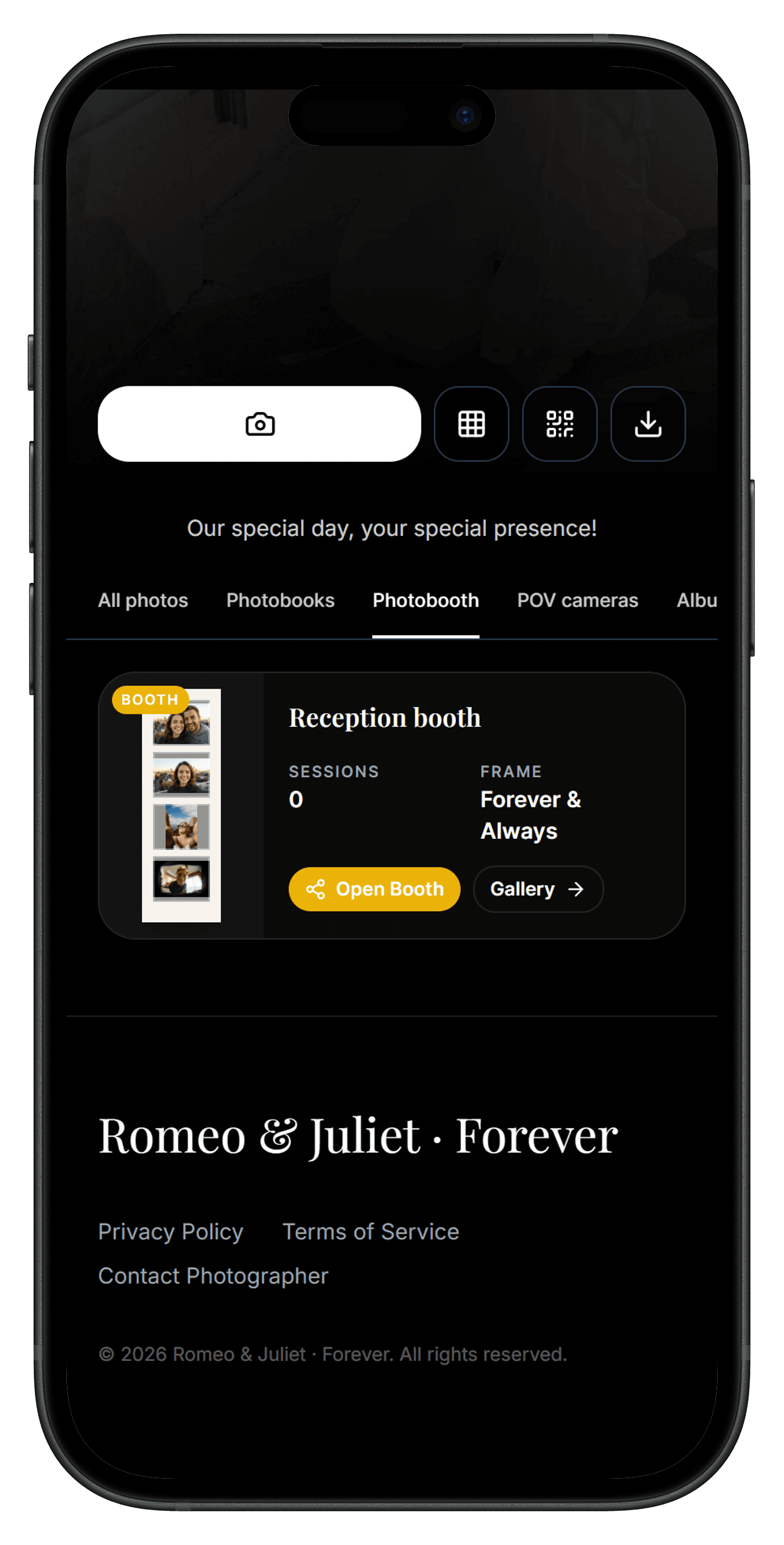
A digital photo booth is a guided capture station that runs on a device you already own. On PicBee, guests take four shots with a countdown, get a classic strip, and that strip lands in the same event gallery as phone uploads from the QR code.
How PicBee compares to other booth tools
| Need | Typical digital booth | PicBee |
|---|---|---|
| Phone / tablet booth | Common | Yes |
| Browser / laptop booth | Some products | Yes |
| Strips in event gallery | Often separate export | Same gallery |
| Guest strip by QR | Common | Yes |
| Hardware rental | Often upsold | Not offered |
| Printing | Often upsold | Digital only |
Rent vs digital costs: digital photo booth guide.
How the booth works
- Open photo booth mode on the station device.
- Choose a layout and filter.
- Take four photos with the countdown.
- Guests scan a QR code for their strip. The strip is also saved to the event gallery. See 4-cut photo strips.
Online booth in a browser
Besides a phone or tablet, the booth runs in a web browser on Android and on laptops. Some people call this a virtual or online photo booth: no booth hardware, just a camera and a browser.
What PicBee is not
- No hardware to buy. The booth runs on your own phone, tablet, or laptop.
- No rental. PicBee does not rent out or deliver photo booths.
- No printing. Strips are digital. Guests get theirs by QR code.
For photographers
On a photographer plan, the booth runs inside your client's event. Booth strips land in the same client gallery as your delivered set and guest phone photos, so the client gets one gallery for the whole day. Included on every photographer plan.
Which plans include the photo booth
| Plan | Price | Photo booth |
|---|---|---|
| Free | $0 | No |
| Essential | $29 once | Yes |
| Premium | $39 once | Yes |
| Ultimate | $79 once | Yes |
| Photographer plans | From $29/mo | Yes |
Pair with a live slideshow so booth strips appear on screen. Party context: party photo sharing.
Best for
- Wedding receptions and after-parties
- Birthday parties and reunions
- Corporate parties and team nights
- Trade show and sponsor activations
Frequently asked questions
How does photo booth mode work?
Open photo booth mode on any supported device, choose a layout and filter, and take 4 photos. The app combines them into a classic photo strip that guests can download and share.
Can I customize the photo strip design?
Yes. You can add your event name, date, custom colors, and choose from different layouts and borders.
Do I need special equipment?
No. Any smartphone or tablet works. For a more permanent setup, mount a tablet on a tripod. No props or printing equipment needed.
How do guests get their photo strips?
Guests download the strip to their camera roll by scanning a QR code after the shots. All strips are also saved to your event gallery.
Is there a free online photo booth?
Not on the PicBee Free plan. The booth is included from Essential ($29) and on every photographer plan. Free still lets you try guest uploads (10 photos).
Add a booth from Essential
Photo booth is included from Essential ($29) and on every photographer plan. Not on Free. Free still lets you test guest uploads (10 photos).
Written by
Roshan K.C
Co-founder
Co-founder of PicBee. This guide uses the public plan limits on the pricing page.
Updated: