
Photo strip maker for events
The complete guide to 4-cut digital photo strips: four countdown shots, a classic strip layout, guest delivery by QR code, and every strip saved to the event gallery.
Jump to:What are 4-cut photo strips?·Where the strip goes·Plans and pricing·Quick setup·Frequently asked questions

Key takeaways
- A PicBee strip is a digital 4-cut layout from four countdown photos.
- Strips are an output of the photo booth feature, not a separate product to buy.
- Included from Essential ($29). Not on Free.
- PicBee does not print strips. Guests get a digital file by QR code.
- Every strip lands in the same gallery as QR guest uploads.
- No booth hardware required. A phone or tablet is enough.
- Korean-style 4-cut look is the default guest-facing format people recognize.
- Pair with a live slideshow so strips appear on the room screen.
What are 4-cut photo strips?
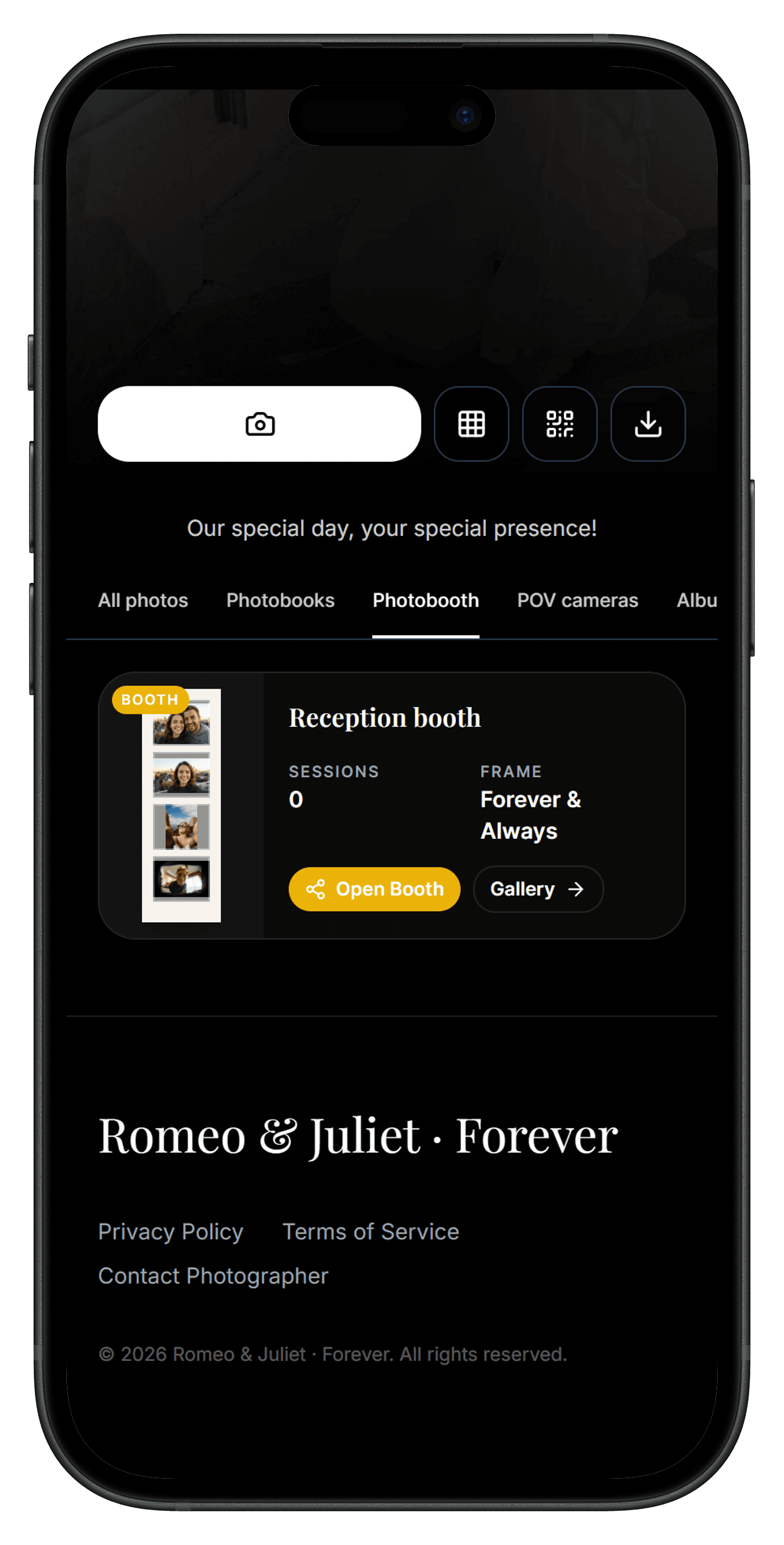
A 4-cut photo strip stacks four poses into one shareable layout, the format guests know from classic booths and Korean-style photo studios. On PicBee the strip is digital: created in booth mode, delivered to the guest by QR code, and stored in the event gallery.
Where the strip goes
Every strip is saved to your event gallery, next to guest uploads. Guests also get their own strip on their phone by QR code. Whether guests can download strips from the gallery depends on the download settings you choose as host.
Same feature as the booth
Setup, plans, and hardware rules live on the photo booth page. Use this page when you care about the strip output itself.
Plans and pricing
| Plan | Price | Photo strips |
|---|---|---|
| Free | $0 | No |
| Essential | $29 once | Yes |
| Premium | $39 once | Yes |
| Ultimate | $79 once | Yes |
| Photographer plans | From $29/mo | Yes |
Party context: party photo sharing. Full booth guide: digital photo booth.
Quick setup
- Buy Essential or higher (or use a photographer plan).
- Open booth mode on the station device.
- Let guests take four shots and scan for their strip.
- Optionally show the gallery on a live slideshow.
Frequently asked questions
Do I need a physical photo booth?
No. Use a phone or tablet, or a browser on Android or a laptop. PicBee turns it into a 4-cut photo strip maker.
Does PicBee print photo strips?
No. PicBee does not print. Strips are digital: guests get theirs by QR code, and each strip is saved to your event gallery.
Which plan includes photo strips?
Essential ($29) and up, and every photographer plan. Not on Free.
Is this separate from the photo booth?
No. Strips are the output of booth mode. The photo booth page covers the station; this page covers the strip format.
Make strips from Essential
Photo strips come with the photo booth, included from Essential ($29) and on every photographer plan.
Written by
Roshan K.C
Co-founder
Co-founder of PicBee. This guide uses the public plan limits on the pricing page.
Updated: