
Festival and large event photo sharing
The complete guide to collecting crowd photos at festivals, sports days, school events, and fundraisers: one QR code, no app, live screens, and optional approval before anything hits a public display.
Jump to:What is festival photo sharing?·How PicBee compares to other festival photo tools·How festival photo sharing works on PicBee·How to set up festival photo sharing·Which plan fits a large event?·Large event types this guide covers·Moderation for public screens·Common mistakes at large events·Frequently asked questions

Key takeaways
- Attendees scan one QR code and upload in the phone browser. No festival app to install.
- Dropola, Kliks, SayCheese, and QRPix sell crowd galleries. PicBee adds face search, booth activations, and clear event plans.
- Put codes on wristbands, stage screens, and campsite posters. One glance should be enough.
- Turn approval on before anything goes to a public LED wall.
- Free is a dry run (10 photos). Essential $29 for smaller days. Premium $39 for face search. Ultimate $79 for fair-usage volume.
- Albums by day or stage keep multi-day weekends usable.
- Hosting is 3 months on paid event plans. Extend if sponsors need a longer recap window.
- Paid plans have no guest cap. Do not invent attendee limits in public copy.
What is festival photo sharing?
Festival photo sharing is a shared gallery where the crowd adds photos and short moments from every angle of the site. On PicBee, people scan a QR code and upload in the phone browser, so you do not fight another event app over loud PAs.
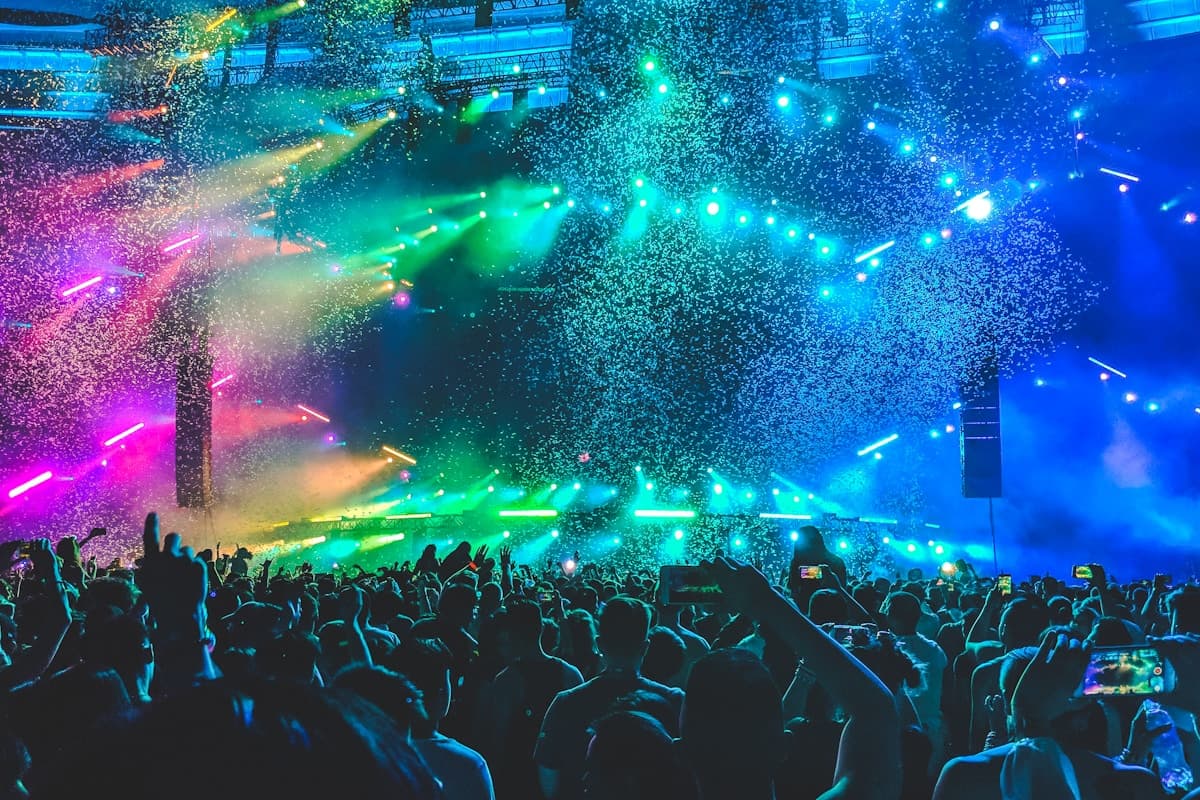
The best moments sit on phones in the pit, the balcony, and the campsite. Hashtags and chat groups scatter them. One gallery pulls them together for fans, organizers, and sponsors after the lights come up.
How PicBee compares to other festival photo tools
Dropola, Kliks, SayCheese, Gooya, and QRPix all lead with QR uploads and no app. Their festival pages stress crowd scale, live walls, and sometimes per-stage codes. PicBee matches the no-app scan, then adds face search for post-weekend discovery, booth tools for activations, and locked one-time event pricing.
| Need | Typical festival QR tool | PicBee |
|---|---|---|
| No app for the crowd | Yes | Yes |
| Live screen / wall | Common | Every paid plan |
| Moderation for public screens | Common | Optional approval |
| Face search after the weekend | Some paid tiers | Premium and up |
| Booth for activations | Uncommon | Essential and up |
| One-time event pricing | Varies widely | From Essential $29 |
Do not quote competitor prices here
Festival packages change by season. Recheck a vendor before you compare dollars. PicBee numbers in this guide are our current event plans.
How festival photo sharing works on PicBee
- One QR, whole crowd. Same code on wristbands and screens. See QR code photo sharing.
- Optional approval. Required before a public LED wall. Optional for private VIP galleries.
- Live slideshow. Between sets or at the fan zone. See live slideshow.
- Face search (Premium and up). Fans find themselves across a multi-day dump. See face recognition.
- Booth activations. Sponsor or VIP areas. See photo booth.
How to set up festival photo sharing
- Create the gallery. Name the event. Decide privacy and whether approval is on for public screens.
- Organize albums. Day one / day two, or main stage / second stage, so the archive stays usable.
- Print and display the QR. Wristbands, tickets, posters, bars, merch, VIP, and LED screens.
- Test cellular and venue Wi-Fi on the device that will run any live display.
- After the weekend, download and share. Recap posts, sponsor reports, and a gallery link in the follow-up email.
Where to put the festival QR code
- Wristbands, tickets, and lanyards
- Stage screens between sets
- Campsite and entrance posters
- Bars, merch stands, and sponsor booths
- VIP and hospitality areas
Which plan fits a large event?
Match the plan to photo volume and tools. Do not invent guest caps. Paid PicBee event plans have no guest cap. Details: event pricing.
| Plan | Price | Photos | Best for |
|---|---|---|---|
| Free | $0 | 10 photos, 20 MB | Staff dry run of the QR flow |
| Essential | $29 once | 1,000 | Smaller festivals, school days, charity dinners |
| Premium | $39 once | 5,000 | Multi-day weekends that need face search |
| Ultimate | $79 once | Fair usage | Very large crowds under the Fair Usage Policy |
Hosting is 3 months. Extensions: Essential +$9, Premium +$19, Ultimate +$59. Fair usage details: fair usage.
Large event types this guide covers
Music festivals
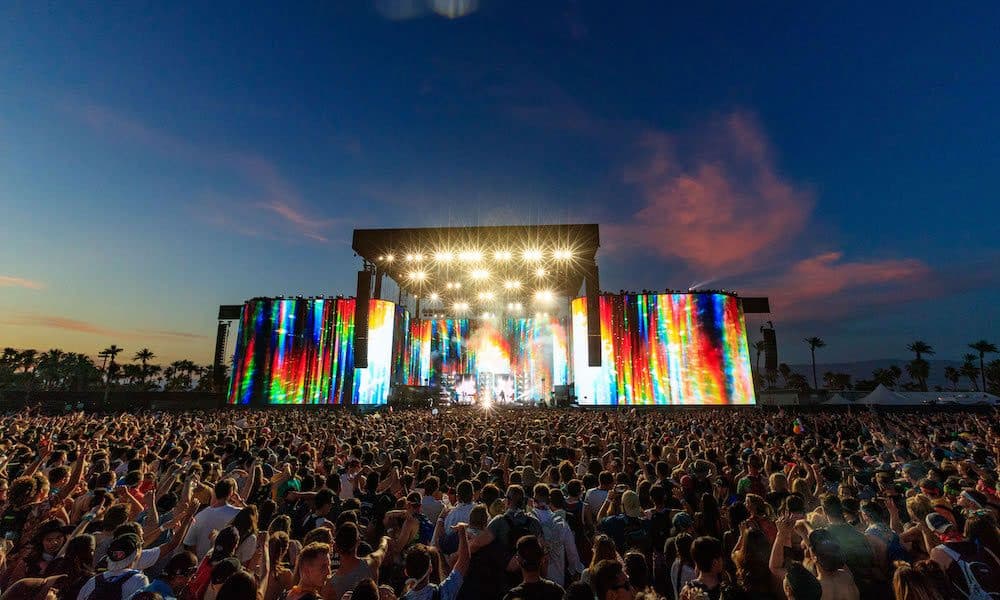
QR on stage screens and wristbands. Crowd uploads during the set.

Sports events
Finish-line and course galleries athletes and families can actually use.

School events
Proms, sports days, and ceremonies in a controlled community gallery.
Charity events
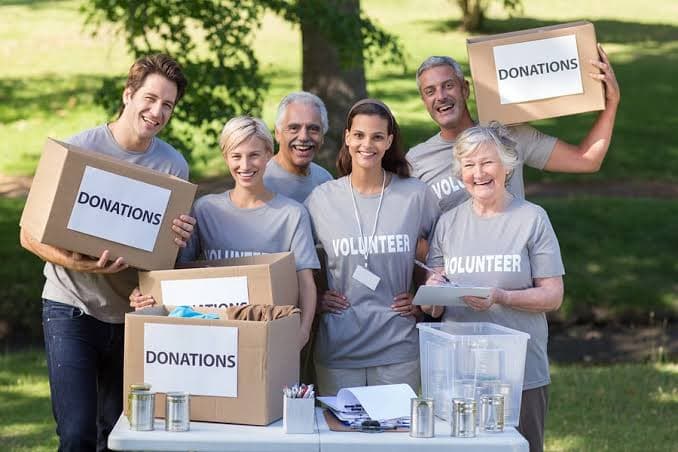
Donor recognition, volunteer moments, and gala energy in one thank-you story.
Deep dive: music festival photo sharing.
Moderation for public screens
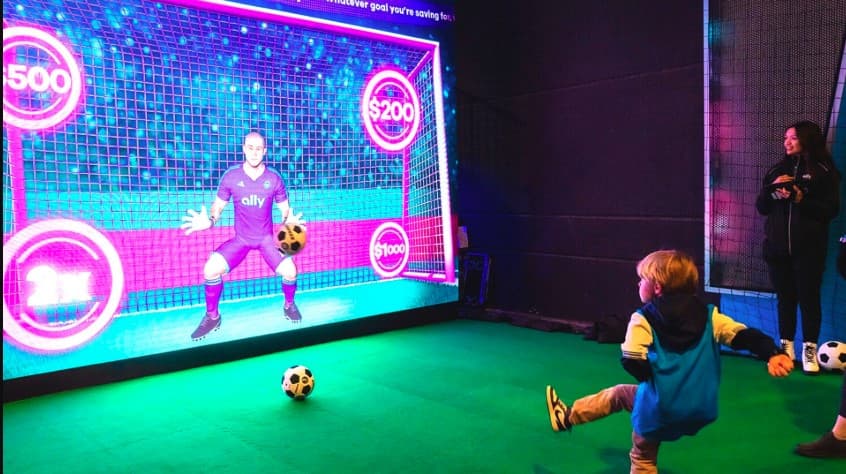
A public LED wall is not the place for unfiltered uploads. Turn approval on so staff check photos before they appear on screens, voting walls, or sponsor showcases. Private VIP galleries can stay live if you prefer speed.
Common mistakes at large events
- Asking fans to download a festival app for photos. Use the browser.
- One unsorted dump for a three-day site. Use albums by day or stage.
- Public screens without approval. Moderate first.
- QR only on a small flyer. Put it on wrists and stage screens.
- No follow-up link. Email the gallery after the weekend for sponsors and fans.
Frequently asked questions
Do fans need an app to share festival photos?
No. They scan your QR code or open a link and upload in the phone browser. Nothing to install over the noise.
Can a whole festival crowd upload at once?
Yes. Everyone scans the same QR code from their own phone. Paid PicBee plans have no guest cap. Match the plan to photo volume and fair usage on Ultimate.
Can we moderate uploads before a big screen?
Yes. Turn approval on so staff check each photo before it appears. Uploads appear straight away by default.
How long does the festival gallery stay online?
Online for 3 months on every paid event plan, and you can extend it in 3-month blocks.
Is face search useful after a multi-day festival?
Yes. When thousands of images land, scrolling fails. Face search from Premium lets people find themselves later.
Which plan should a large festival use?
Essential for smaller days, Premium when you need face search and custom domain, Ultimate when you need fair-usage volume. Start with a free dry run (10 photos) for staff only.
Where should we put the QR code?
Wristbands, stage screens, entrance and campsite posters, bars, merch, sponsor booths, and VIP areas.
Create the festival gallery before gates open
Place QR codes on wristbands, screens, and posters. Free holds 10 photos for a dry run. Paid event plans start at $29.
Written by
Roshan K.C
Co-founder
Co-founder of PicBee. This guide uses the public plan limits on the pricing page.
Updated: