Published September 29, 2026 • Updated September 29, 2026 • 10 min read • Guides
Published by PicBee. This page explains PicBee’s free gallery and paid event plans for QR photo sharing. Other products change their free tiers. Recheck any competitor before you rely on their limits.
People search for event photo sharing with QR code free because they want one clear path: print a code, let guests scan, collect the photos, and skip another monthly subscription.
Free options exist. Most of them fail at a real event. This guide shows what “free” actually means on PicBee, what group chats and cloud folders trade away, and when a one-time paid plan is worth it.
Quick answer
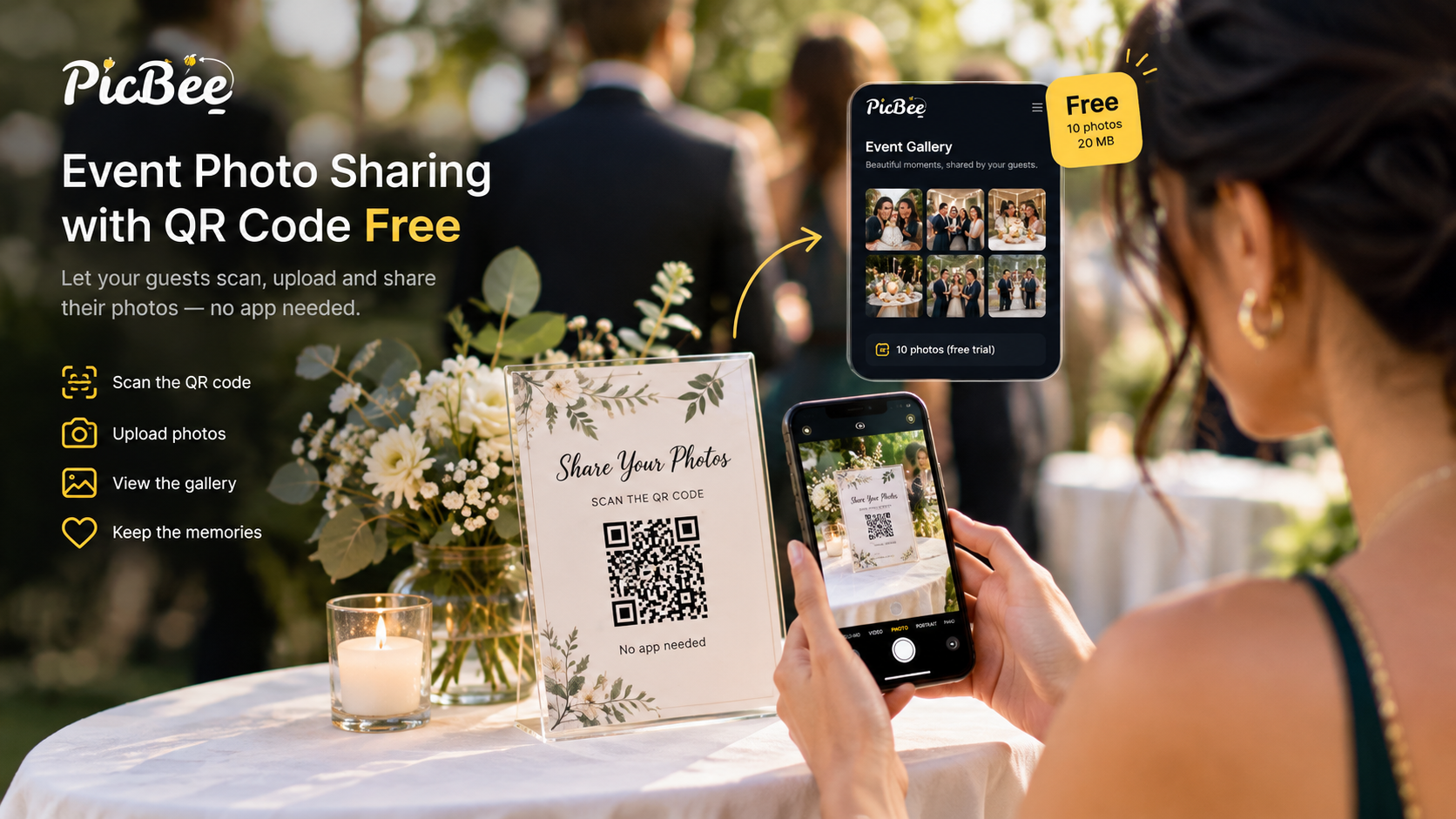
- Free PicBee: 10 photos and 20 MB. Enough to test the QR scan and upload flow.
- Paid event plans: one-time Essential $29, Premium $39, or Ultimate $79, with guest uploads, a QR gallery, and 3 months of hosting.
- Best free use: a rehearsal, a small dinner test, or a demo before you buy.
- Not enough free: a wedding, a large party, or any event you plan to print from.
How to create a QR code for photo sharing for free?
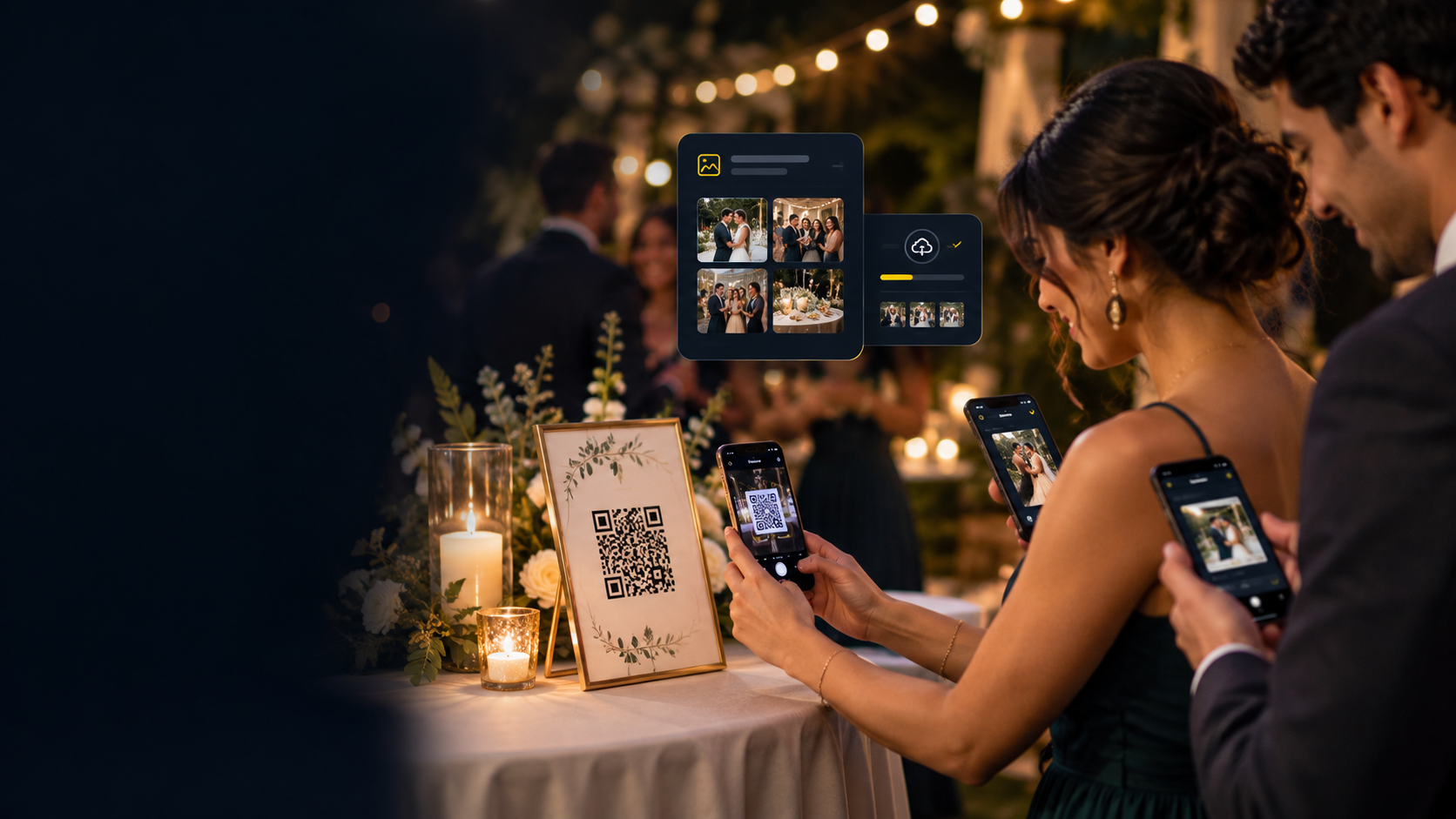
Create a free PicBee account and an event, turn on guest uploads, and open the event’s QR code. Guests scan it with the phone camera and upload in the browser, with no app.
- Create a free PicBee account and an event.
- Turn on guest uploads and open the QR code for that event.
- Print or display the code for a small test group.
- Guests scan with their camera and upload in the browser. Uploads appear straight away; approval is optional.
- Review the gallery. If the flow feels right for your event size, move to a paid plan before the real day.
The paid upgrade keeps the same QR-style guest experience. You are buying photo capacity, hosting, and tools, not a different guest workflow.
Step by step for guests: how guests upload photos.
Free vs paid PicBee for QR photo sharing
| Free | Essential | Premium | Ultimate | |
|---|---|---|---|---|
| Price | $0 | $29 once | $39 once | $79 once |
| Photos | 10 | 1,000 | 5,000 | Fair usage for large events |
| Storage | 20 MB | Plan storage | Plan storage | Plan storage |
| Guest uploads and QR gallery | Yes, up to 10 photos | Yes | Yes | Yes |
| Photo booth | No | Yes | Yes | Yes |
| Albums | 3 | Yes | Yes | Yes |
| Face search, POV, photobook, invitations, custom domain | No | No | Yes | Yes |
| Wedding planner | No | No | No | Yes |
| Extension (+3 months) | No | $9 | $19 | $59 |
Every paid event plan is a one-time purchase for that event, with 3 months of hosting, not a photographer-style monthly bill for the couple.
The free limits are intentional. You can verify the scan works on your phone and your partner’s phone before you pay. You should not expect to run a 100-guest wedding on 10 photos.
What is the best way to share photos from an event?
The best way is one gallery that every guest adds to by scanning a QR code, with no app. Group chats and shared cloud folders cost nothing, but each trades something away.
Group chats
WhatsApp, iMessage, and Messenger are free and familiar. They are also weak albums. Photos get compressed. Threads mix logistics with media. New guests join late and miss older pictures. Phone numbers sit in a shared chat.
Fine for “where is the parking.” Weak for an event archive.
Shared cloud folders
A free cloud folder can hold more files until the account’s storage runs out. Guests often need the same app or an account. Half the room will not create one while dinner is served.
When free is enough
- You only need a quick proof that guests can scan and upload
- Fewer than ten people will add photos and nobody plans to print
- You are rehearsing table-card placement and wording before the wedding
- You are comparing the guest experience before you buy Essential or Premium
When free is the wrong plan
- A wedding, multi-day celebration, or large birthday
- You want original-quality files for a book or prints
- You need face search so guests can find themselves later
- You want a photo booth, POV cameras, invitations, or a custom domain
- You want the wedding planner (Ultimate for events; Professional or Studio for photographers)
If the event matters enough to hire a photographer, it usually matters enough for a paid gallery. For birthdays and other parties, see the party photo sharing app.
How to use the free QR gallery without painting yourself into a corner
- Test early. Scan on iPhone and Android, on Wi-Fi and cellular.
- Print one large sample card. Confirm the free code is readable from a seated distance.
- Do not announce the free gallery as the final wedding album. Guests will hit the 10-photo cap fast.
- Upgrade before invitations go out if you already know the guest list is large. Put the paid event’s QR code on print collateral from the start.
- Keep one gallery. Do not start free, then create a second paid gallery and reprint everything.
Placement still matters on free and paid
Whether you stay free for a test or go paid for the event, put the QR code where phones already come out:
- Table cards
- Welcome sign
- Program or agenda
- Bar or registration desk
- A screen that can show the live gallery
Say one sentence twice: “Scan this to add your photos. There is no app to download.”
More placement detail for weddings: QR code for wedding pictures.
FAQ
Q: Is there free event photo sharing with a QR code on PicBee?
A: Yes. The free account includes a QR gallery with a 10-photo and 20 MB limit so you can try the guest flow.
Q: Can I run a full wedding on the free QR gallery?
A: No. Ten photos is a test, not a wedding archive. Use Essential ($29), Premium ($39), or Ultimate ($79) for the day.
Q: Do guests pay anything to scan and upload?
A: Guests do not pay to upload. The host pays for the PicBee plan that covers the event.
Q: Does free QR sharing require an app download?
A: No. Guests open the gallery from the scan in the browser.
Q: Which paid plan costs least?
A: Essential at $29 once for 1,000 photos, guest uploads, the QR gallery, albums, the photo booth, and 3 months of hosting.
Q: When should I choose Premium instead of free or Essential?
A: Choose Premium at $39 when you want face search, POV cameras, photobooks, invitations, or a custom domain. Choose Ultimate at $79 for larger events under fair usage and the wedding planner.
Related guides
- QR code for wedding pictures
- Free wedding photo sharing apps
- QR code photo sharing feature
- Event plans and pricing
Final takeaway
Free event photo sharing with a QR code is useful as a proof, not as the wedding album. Try PicBee’s free gallery (10 photos, 20 MB), confirm the scan works, then move to Essential, Premium, or Ultimate before guests arrive. Same QR idea. Room for the real day.