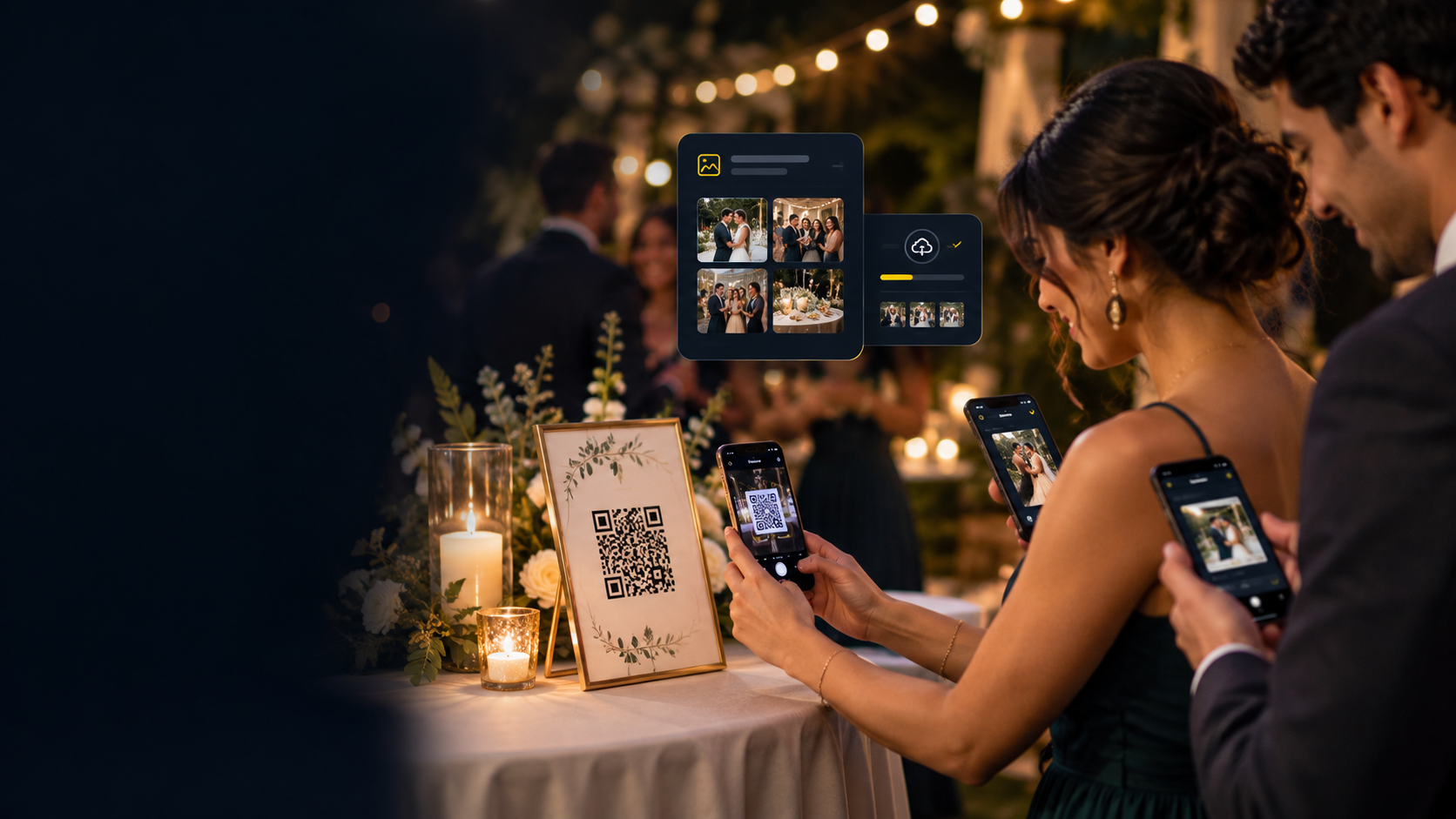
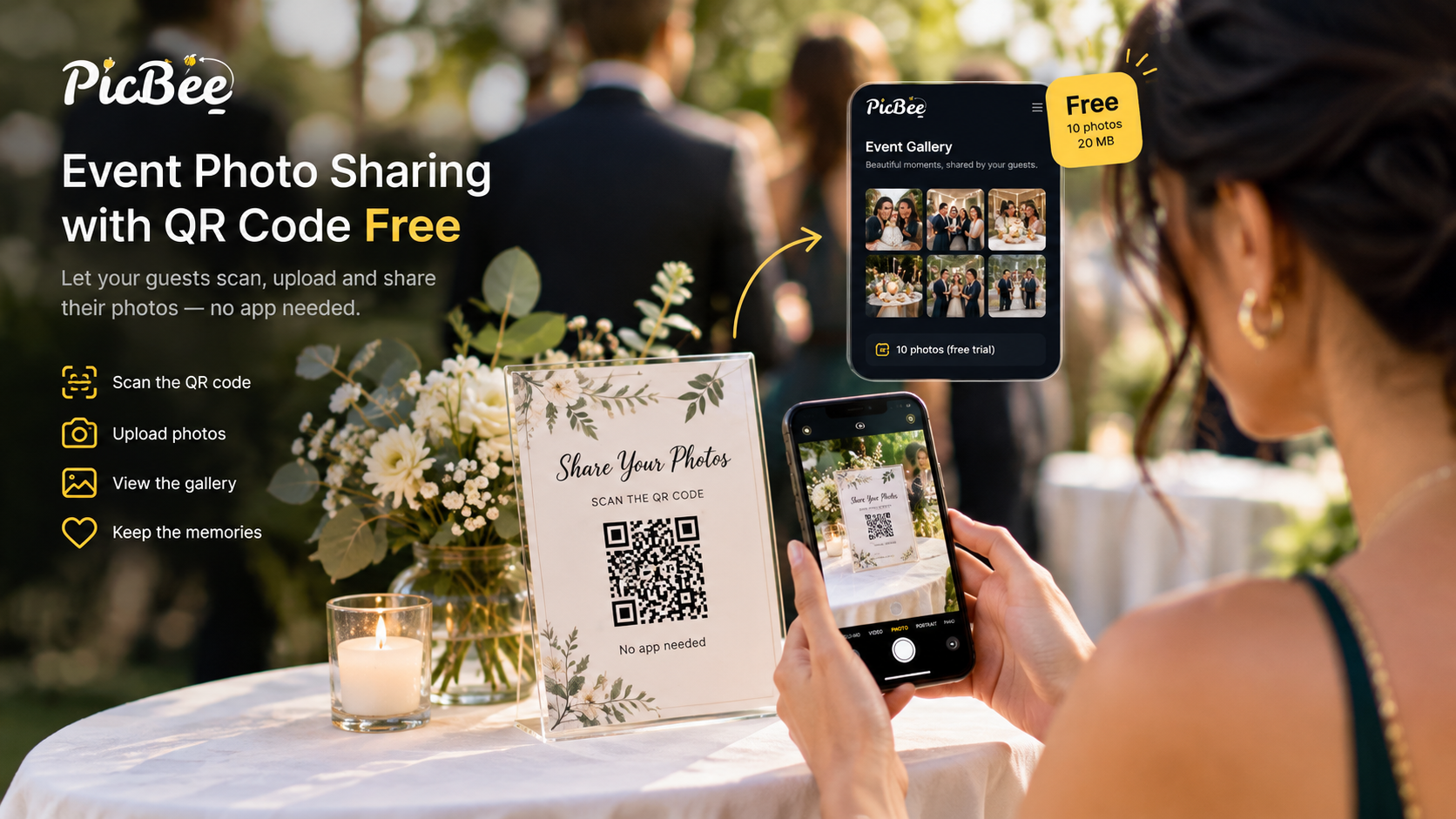
A QR code for wedding pictures is a printed code that opens one shared gallery, so every guest can add the photos on their phone straight from the browser. To get photos from your wedding guests, create the gallery, turn on guest uploads, print the same code on every table and sign, ask for photos out loud twice, and send the link again the next morning.
Your photographer covers the vows, the portraits and the first dance. Your guests catch everything else: the reactions, the cousins at table four, the dance floor after midnight. Those pictures only last if they land in one place, at full quality, before everyone flies home. This guide covers the setup, the wording, the timing and the cost.
Quick answer
- Create a PicBee event gallery and turn on guest uploads.
- Download the gallery's QR code and copy its link.
- Print the same code on table cards, the welcome sign and the program.
- Say one sentence out loud: "Scan this to add your photos. There is no app to download."
- Leave the gallery open after the reception and send the link again the next day.
How to set up a wedding QR code to get pictures from guests
To create a QR code for wedding photos, create the gallery first and print its code second, because the code is only a link to that gallery. A code printed before the gallery exists points nowhere.
- Create the event gallery. Name it after the two of you and the date, so guests know they are in the right wedding.
- Turn on guest uploads. By default, guest photos appear in the gallery as soon as they upload. Turn on approval if you want to check them first.
- Download the QR code and copy the link. The code and the link open the same gallery. Print the code, and send the link to anyone who is not in the room.
- Test it on two phones. Use one iPhone and one Android, once on the venue Wi-Fi and once on mobile data.
- Print it large and plain. A dark code on a light card scans from a seat. A small code on a busy photo does not.
Making the code is never the hard part. What matters is what it opens. If it opens a cloud folder, check whether guests have to sign in before they can add a photo, because many will stop at that screen.
What guests do after they scan
Guests point the phone camera at the code, the gallery opens in the browser, and they choose photos from the camera roll or take a new one. There is nothing to install and no app to sign up for.
- Open the camera and point it at the code, or tap the link in a message.
- The wedding gallery opens in the phone's browser.
- Tap upload and pick photos, or take one in the moment.
- The photos go into the shared gallery, ready for you to approve.
For the guest's side of it, see how guests upload photos to a PicBee gallery.
Is there an app where wedding guests can upload photos?
Yes, but your guests should not have to install it. A wedding photo sharing tool such as PicBee opens from a QR code in the phone browser, so the only thing a guest does is scan. The app is for the couple: PicBee's host apps run on iPhone and Android, and guests never need them.
The bigger question is where the photos end up. In PicBee, the photographer's set and the guests' phone photos sit in the same gallery, in separate albums if you like, so one link holds the whole wedding. See how that works on the wedding photo sharing app page.
What is the best QR code app for wedding photos?
The best QR code app for wedding photos is the one your least confident guest can use without help: it opens in the browser, asks for no account, keeps original quality, and puts every photo in one gallery. Check these before you pay for anything:
| Check | Why it matters |
|---|---|
| Opens in the phone browser | Every install step loses guests |
| No sign-in for guests | A login screen stops many guests |
| Original quality | Compressed photos look fine on a phone and poor in print |
| Host approval and privacy | You decide what appears and who can see it |
| Download controls | You choose whether guests can save copies |
| Hosting that lasts after the day | Late uploads arrive days after the wedding |
| Room for the photographer | Both cameras in one gallery, not two links |
PicBee's paid event plans cover every row in that table. The pricing section below says what each plan includes.
Where to put the QR code at a wedding
Put the same QR code everywhere a guest might already be holding a phone: on every table, at the entrance, at the bar and on any screen you control. One sign at the door is not enough, because people decide to upload when the phone is already in their hand.
| Placement | Why it works |
|---|---|
| Invitation or wedding website | Early guests save the link before the day |
| Welcome sign at the entrance | Guests scan while they wait to greet you |
| Every table card | The code is within arm's reach all evening |
| Bar or escort-card table | A natural pause where phones come out |
| Photo booth | A second way into the same gallery |
| Screen or slideshow | Reminds the room while photos appear |
Use one code for one gallery. Separate codes for each side of the family split the album before it starts. If your ceremony is unplugged, keep the codes off the ceremony chairs and bring them out at the reception, so "phones away" and "please upload" never compete.
What to tell guests so they actually upload
To have wedding guests upload photos, tell them one plain sentence, more than once: "Scan the code on your table to add your photos. There is no app to download." Clever slogans get ignored. A clear request gets acted on.
- Ask the emcee to say it twice: once as dinner starts, once before the dancing.
- Let the wedding party go first. When guests see a few photos appear, they add their own.
- Put the photos on a screen. A live slideshow of guest uploads shows new photos as they come in, and each one prompts the next.
- Give less confident guests a helper. A cousin who knows how it works can sit near the code. The short link under it helps anyone who would rather type.
When to ask for photos: a simple timeline
Set the gallery up a few weeks before the wedding, ask on the day, remind guests the next morning, and download your copy before hosting ends. Most of the work happens before anyone arrives.
| When | What to do |
|---|---|
| A few weeks before | Create the gallery, turn on guest uploads, print the codes and signs |
| The week before | Brief the emcee, add the link to your wedding website, test the code at the venue if you can |
| Wedding day | Put codes on tables and at the entrance, start the slideshow, and leave approvals for later or switch them off for the night |
| The next morning | Send the link again: "Add anything still on your phone" |
| A week later | Send one last reminder, then start downloading |
| Before hosting ends | Download your full copy |
Some of the best candids arrive the morning after, from hotel rooms and airport lounges, so do not close the gallery when the music stops.
Print and scan tips that prevent day-of problems
- Test on venue Wi-Fi and on mobile data. Some venues block unfamiliar networks.
- Put the short link under the code.
- Avoid glossy laminate that reflects overhead lights into the camera.
- Turn on guest uploads before the welcome event, not during the first dance.
- Do not rely on a story or a message that scrolls away. Print the code.
- Do not ask guests to email photos. They will mean to, and they will not.
Are wedding photo QR codes worth it?
Yes, if you want your guests' photos in one place at full quality. Without one, photos scatter across group chats, which compress them and leave the best shot on one person's phone. A single QR code gives every guest the same simple way in, and the photos come to you instead of you chasing them for weeks.
A QR gallery matters less at a very small wedding where every guest already shares one album with you. For a bigger guest list, one code on the tables does the collecting for you. The group chat problem is covered in why WhatsApp groups fail for wedding photos.
How much are QR codes for wedding photos?
The QR code itself costs nothing. You pay for the gallery behind it. On PicBee, a wedding gallery is a one-time $29 (Essential) or $39 (Premium), and a free account lets you try PicBee with one event and 10 photos before you pay.
| Free | Essential | Premium | |
|---|---|---|---|
| Price | $0 | $29 one-time | $39 one-time |
| Photos | 10 (20 MB storage) | 1,000, original quality | 5,000, original quality |
| Guest uploads, QR gallery, photo booth, albums | Basic gallery features | Yes | Yes |
| Face search, POV camera, photobooks, invitations, custom domain | No | No | Yes |
| Gallery hosting | Trial account | 3 months | 3 months |
The free account is for testing the flow, not for a full wedding. Essential is built for birthdays and small events. Premium is the plan built for weddings, with face search and the POV camera. For very large weddings, Ultimate is $79 one-time, with unlimited photos under the Fair Usage Policy and the wedding planner. Any paid plan can add another 3 months of hosting if you need longer. These are PicBee's own prices. The full comparison is on PicBee's event plan pricing.
FAQ
Q: Do guests need to download an app to upload wedding pictures?
A: No. Guests scan the QR code and upload in the phone browser. They do not install anything or sign up for an app.
Q: Can one QR code collect pictures from the whole wedding?
A: Yes. One gallery and one code, printed on every table and sign, means every guest adds to the same place.
Q: Can the photographer and guests use the same gallery?
A: Yes. The photographer's set and the guests' phone photos can sit in the same PicBee gallery, with albums to keep them apart if you prefer.
Q: Can guests find the photos they are in?
A: Yes, on Premium. Face search lets a guest take a selfie and see the photos they appear in. It stays off until you turn it on.
Q: What if a guest is not comfortable with technology?
A: Seat a helper near the code and print the short link under it. Scanning works like taking a photo, so one quick demonstration is usually enough.
Q: What if the venue Wi-Fi is weak?
A: Test Wi-Fi and mobile data before guests arrive. Guests can upload on mobile data, and anyone who struggles can add photos the next day from home.
Q: Can guests upload videos?
A: Guest upload in PicBee is for photos. If you want guests' videos, ask for them separately.
Final takeaway
A QR code for wedding pictures works when it is easy to scan, easy to say out loud, and points at one gallery. Create the gallery, print the code on every table, ask twice, and send the link again the next morning.
Ready to collect your guests' photos in one gallery?