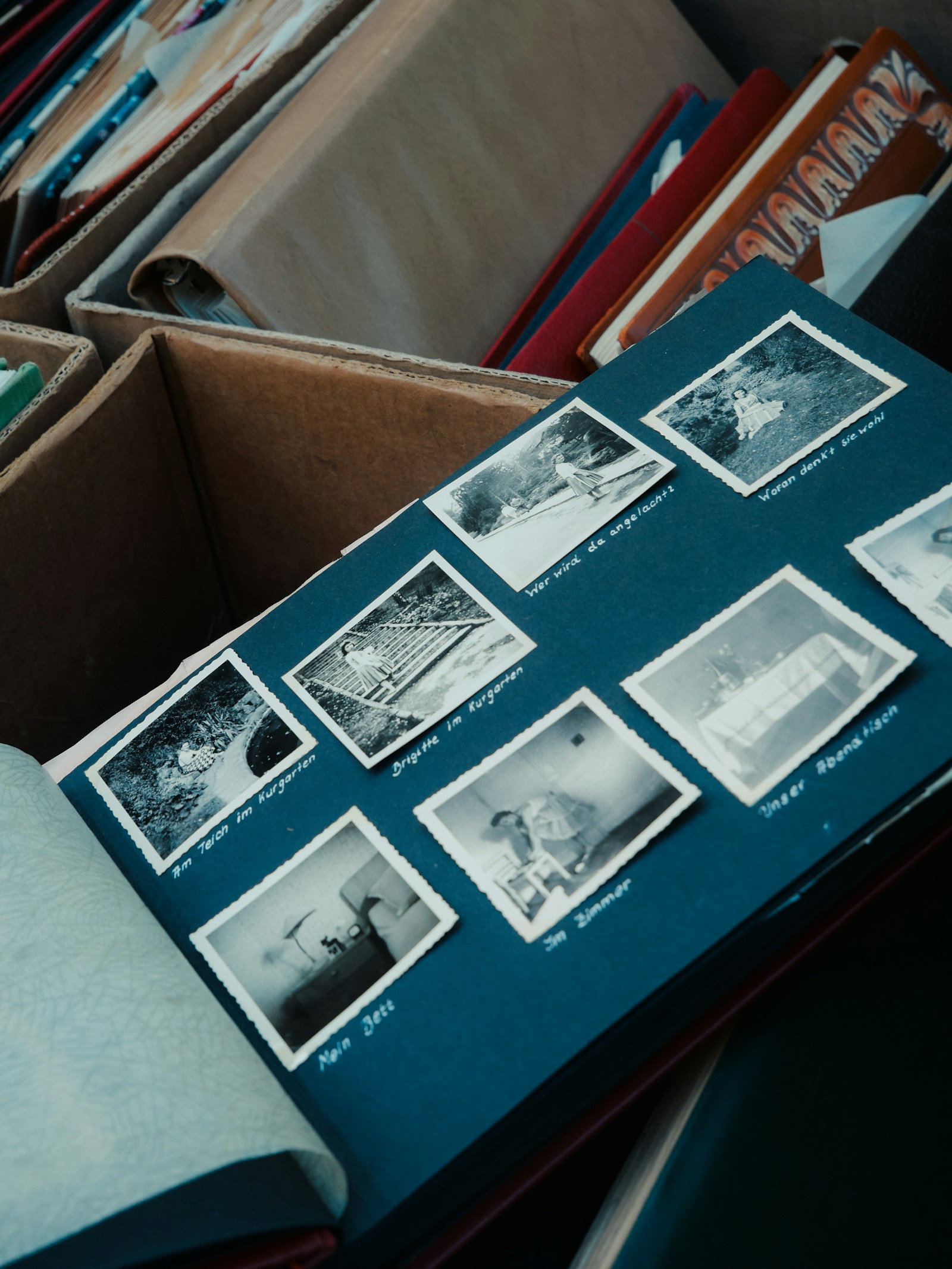
A digital photobook is a designed photo album you view on a screen or save as a file, usually a PDF, rather than a book you order in print. Like a printed album, it has a cover, laid-out pages, captions and an order someone chose. Unlike a printed album, it costs nothing to send, and you can still print it later.
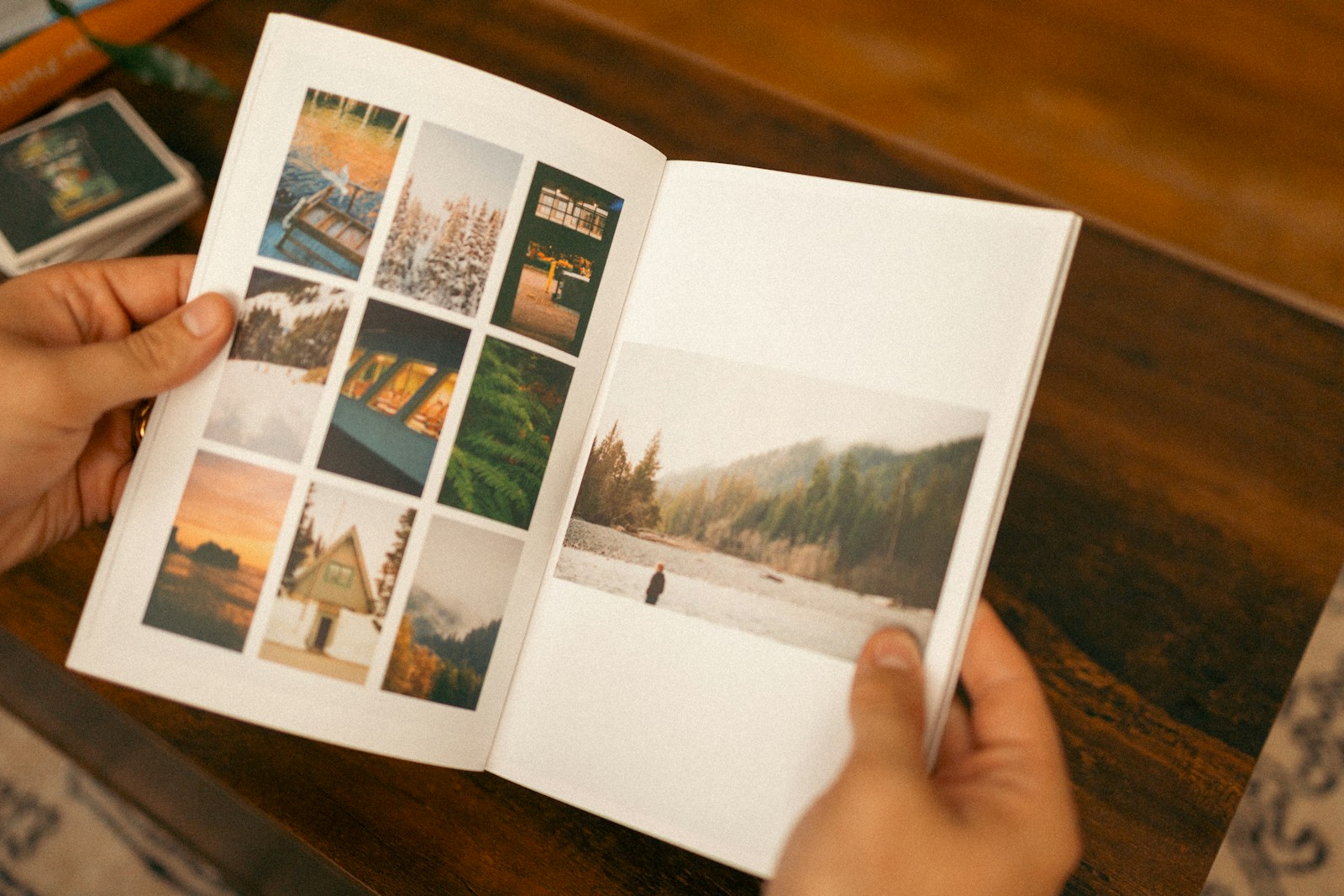
What is a digital photobook?
A digital photobook is a chosen set of photos arranged on designed pages, with a cover and a fixed order, that you share as a file or a link. The person who makes it decides what the viewer sees and in what order. That is what separates it from a gallery.
| Event gallery | Digital photobook | Printed photo book | |
|---|---|---|---|
| What it holds | Every photo from the event | A chosen selection | A chosen selection |
| Order | By time or by album | Set by the maker, page by page | Set by the maker |
| How it is shared | A link or QR code | A PDF or a link | Handed over or posted |
| Best for | Finding and downloading photos | Telling the story of the day | A keepsake on the shelf |
You may also see the term digital flipbook. That usually means software that shows a PDF, such as a catalogue or a magazine, as pages that turn on screen. A digital photobook can be viewed that way, but the photobook is the album itself, not the page-turning viewer.
How do I make a digital photo book?
You make a digital photo book in five steps: gather the photos, pick a template, place the photos, edit the text, and download the finished book as a PDF. Here is how that works with PicBee's free photobook maker, which runs in your browser.
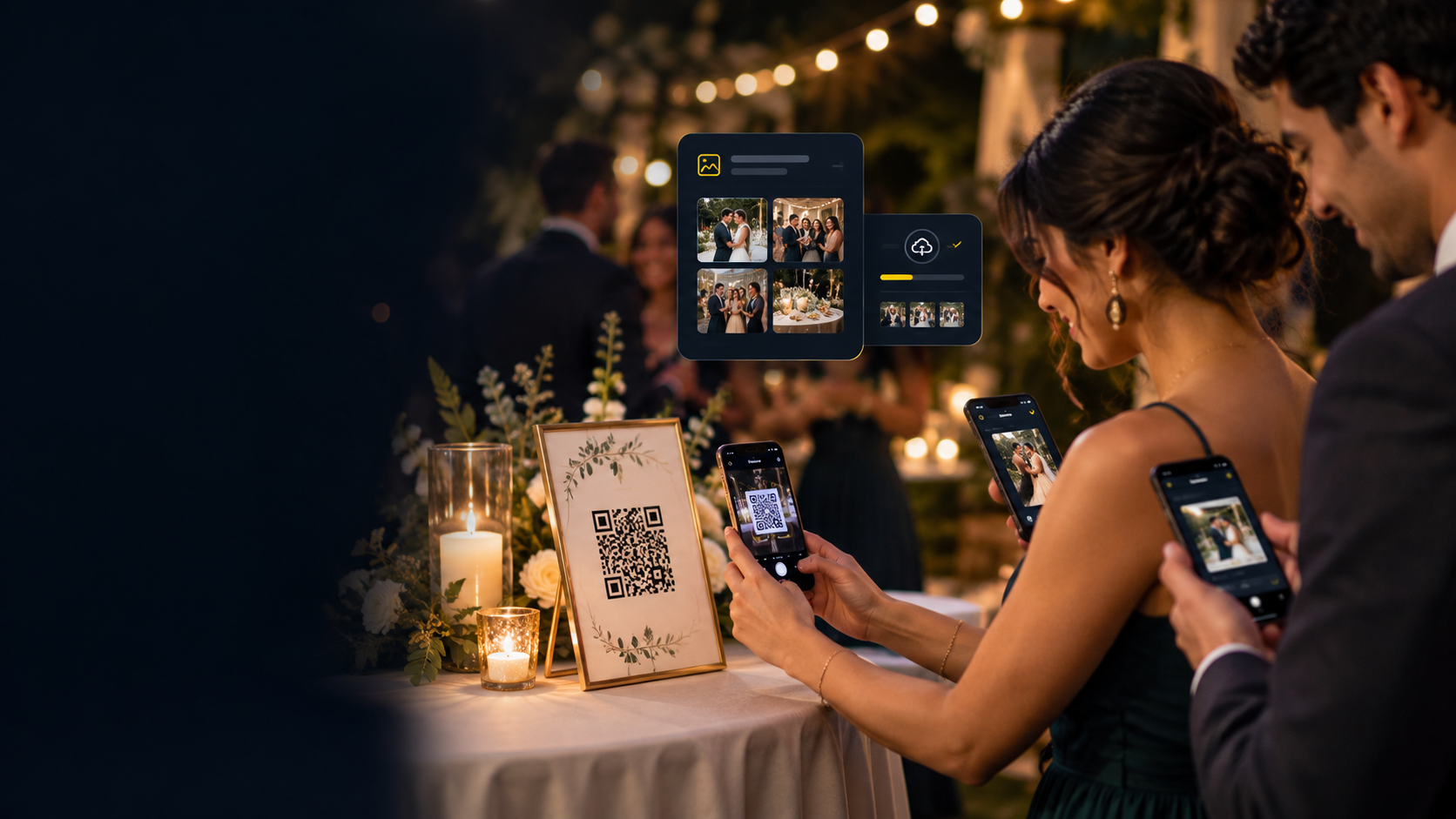
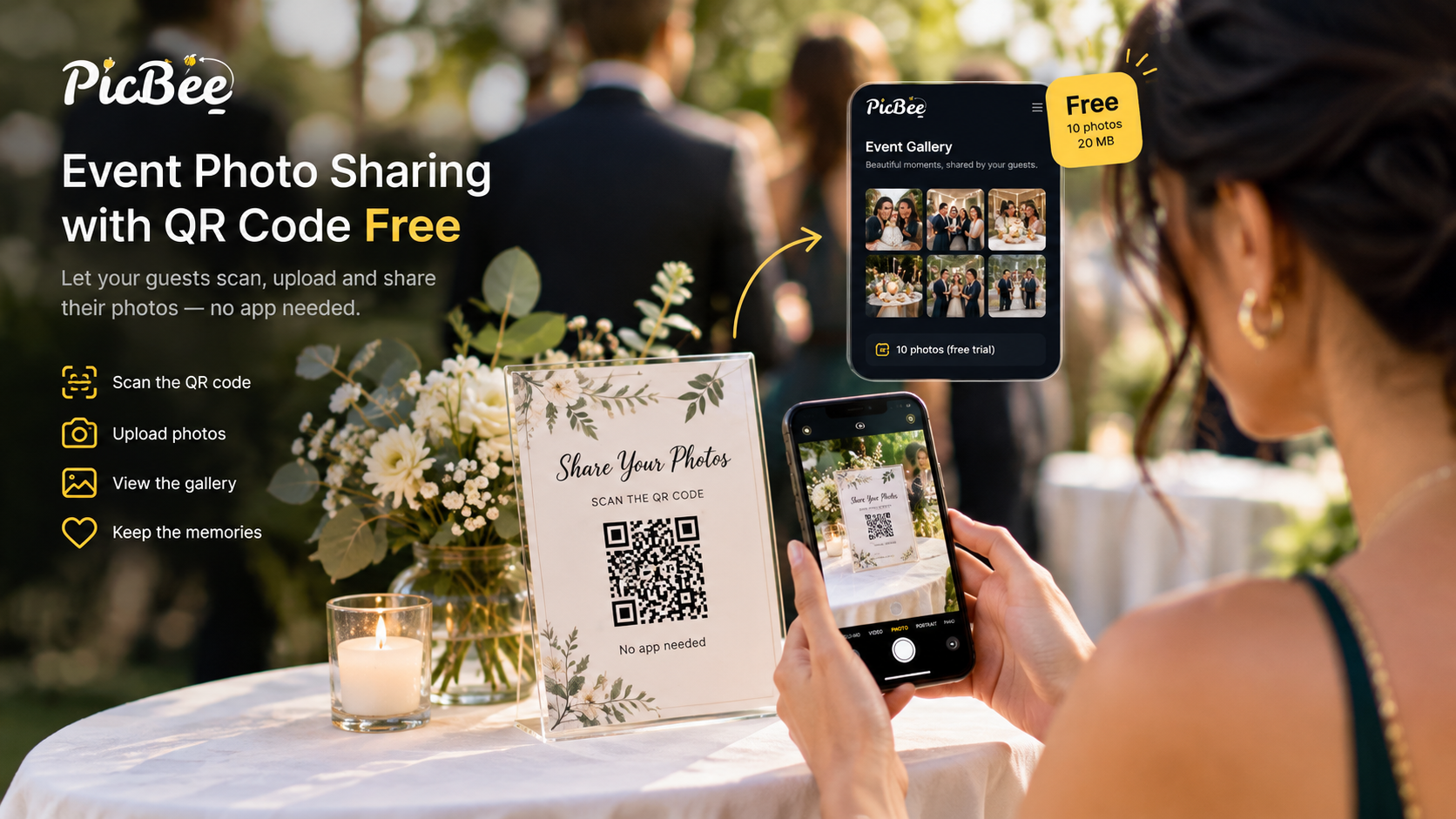
- Gather your photos in one place. For a wedding or party, that means the photographer's set and the guests' phone photos. Collect guest photos with a QR code gallery so they are not scattered across group chats, then download the ones you want.
- Pick a template. The photobook maker has templates for weddings, birthdays, parties and travel, and each one is fully editable.
- Drop in your photos. Drag photos into the slots on each page, or click a slot to fill it. Put your strongest photo on the cover.
- Edit the text. Add names, the date, a title and short captions. A few words per page is plenty.
- Download the PDF. Export a print-ready PDF. Share it by email or message, or send it to a print service.
The photobook maker needs no sign-up, and your photos stay in your browser. They are not uploaded.
If your event runs on PicBee, the photobook is part of the Premium and Ultimate event plans and every photographer plan, and you sign in to attach the photobook to your event. See the digital photobook feature for how it works with an event gallery, and the event pricing page for what each plan includes.
Ideas for the pages
Tell the day in order and give each page one job.
- Follow the day. Getting ready, the ceremony, the reception, the last dance. Chapters help on a long day or a multi-day wedding.
- Pair a detail with a wide shot. Rings or shoes on one page, the room on the facing page.
- Mind the middle. On a two-page spread, keep faces away from the fold if you plan to print.
- Leave space. One great photo on a page beats six small ones.
- Mix the cameras. Guest photos catch the moments the photographer missed. Give them their own pages.
What is the best digital photo book or online photobook?
The best digital photo book is the one that fits what you want at the end. If you want a printed book delivered, use a print service's own designer. If you want a free layout and a PDF you control, use a browser photobook maker. If your photos are spread across guests' phones, collect them into one gallery first, then make the book.
Compare options on five points:
- Export. Can you download a PDF, and is it ready to print?
- Privacy. Are your photos uploaded to someone's server, or do they stay on your device?
- Templates. Is there a wedding or event template you can edit?
- Cost. Is it free to design, or is there a fee before you can download?
- Printing. Can you print it anywhere, or only through the maker?
How to share a digital photobook
Share it as a PDF or a link, and print it later if you want a copy on the shelf.
- Send the PDF to family who could not travel.
- Post it on your wedding website next to the gallery link.
- Print a copy for parents or grandparents.
Frequently asked questions
Q: Can I print a digital photobook later?
A: Yes. The PicBee photobook maker exports a print-ready PDF. Check your print service's page size and file requirements before you order.
Q: Is a digital photobook the same as a digital flipbook?
A: Not quite. A flipbook is a way of viewing pages that turn on screen. A digital photobook is the album itself, which you can share as a PDF.
Q: Do I need an account to make a photobook?
A: Not for the free photobook maker. It works in your browser with no sign-up. You only sign in to attach a photobook to a PicBee event.
Q: What is the difference between a digital photobook and a printed photo book?
A: The pages can be identical. The digital photobook is the file: free to share and quick to change. A printed book is that file made physical by a print service. With a print-ready PDF, you can have both.
Q: Can guest photos go in the photobook?
A: Yes, once you have them. Collect guest photos in a PicBee event gallery by QR code, pick the best ones, and place them alongside the photographer's photos.
Keep the whole day in one book
A gallery holds everything. A photobook holds the story. Gather the photographer's set and the guests' photos in one place, choose the pages that tell the day, and you have a keepsake you can send today and print whenever you are ready.