Large weddings need a different approach to photo sharing. Traditional methods break down at scale.
The same WhatsApp trick that works for a 50-person dinner falls apart at a 500-person wedding. Here's how to actually pull it off.

The Unique Challenges
Dozens of Phones
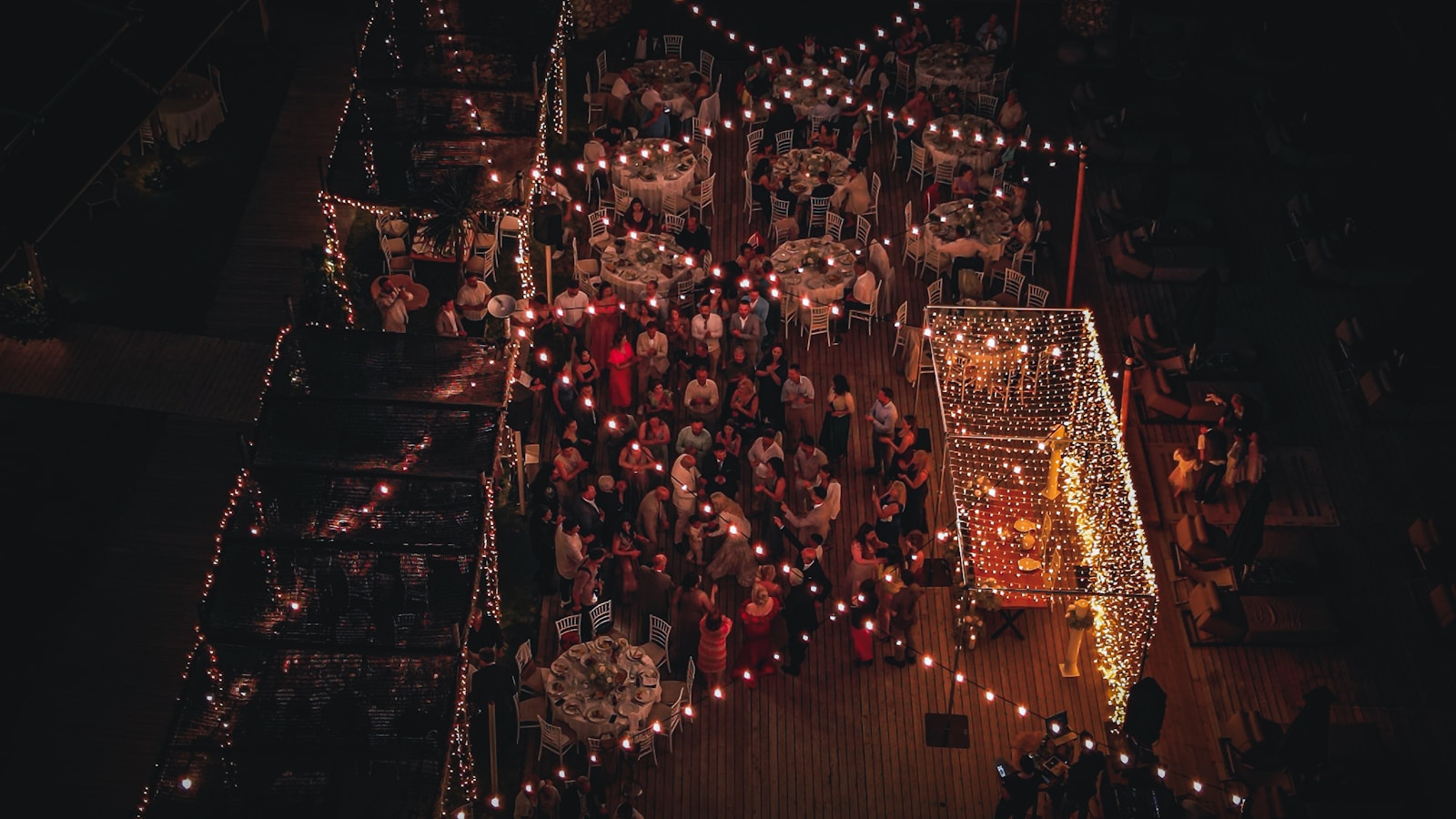
500 guests means photos spread across hundreds of devices.
WhatsApp Chaos
Group chats become unusable at this scale. Messages get lost. WhatsApp groups can have up to 1,024 members (WhatsApp Help Center), so 500 guests fit. The problem is the chat itself: every photo gets buried under messages. More on why WhatsApp groups fail for wedding photos.
Download Friction
Asking 500 people to download an app? Many will skip it.
Photo Overload
With so many photos, how do guests find themselves? Manual scrolling doesn't scale past a few hundred images.
Strategies That Work at Scale
QR Codes Everywhere
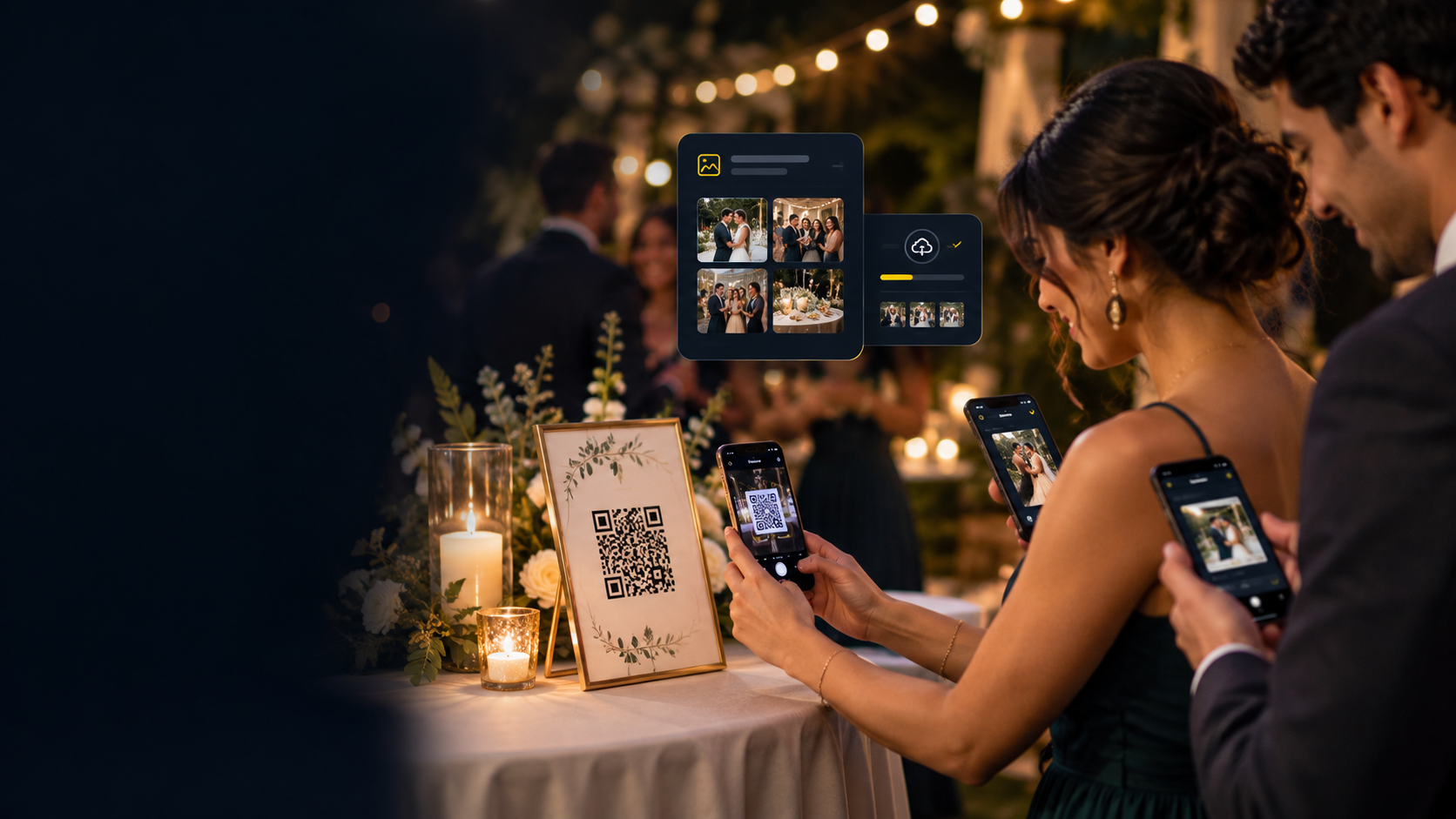
Place QR codes on every table, at the entrance, and on screens. Make it impossible to miss.
- Print on table numbers
- Display on digital signage
- Include in programs
- Photo booth signage
The rule of thumb: every guest should be within arm's reach of a QR code, always.
Face Recognition is Essential
With thousands of photos, guests need AI to find themselves. Manual browsing doesn't scale. See how the face recognition photo app works.
- Enable face recognition (Premium and Ultimate; it is off until you turn it on)
- Explain the selfie feature in your MC announcement
No App Downloads
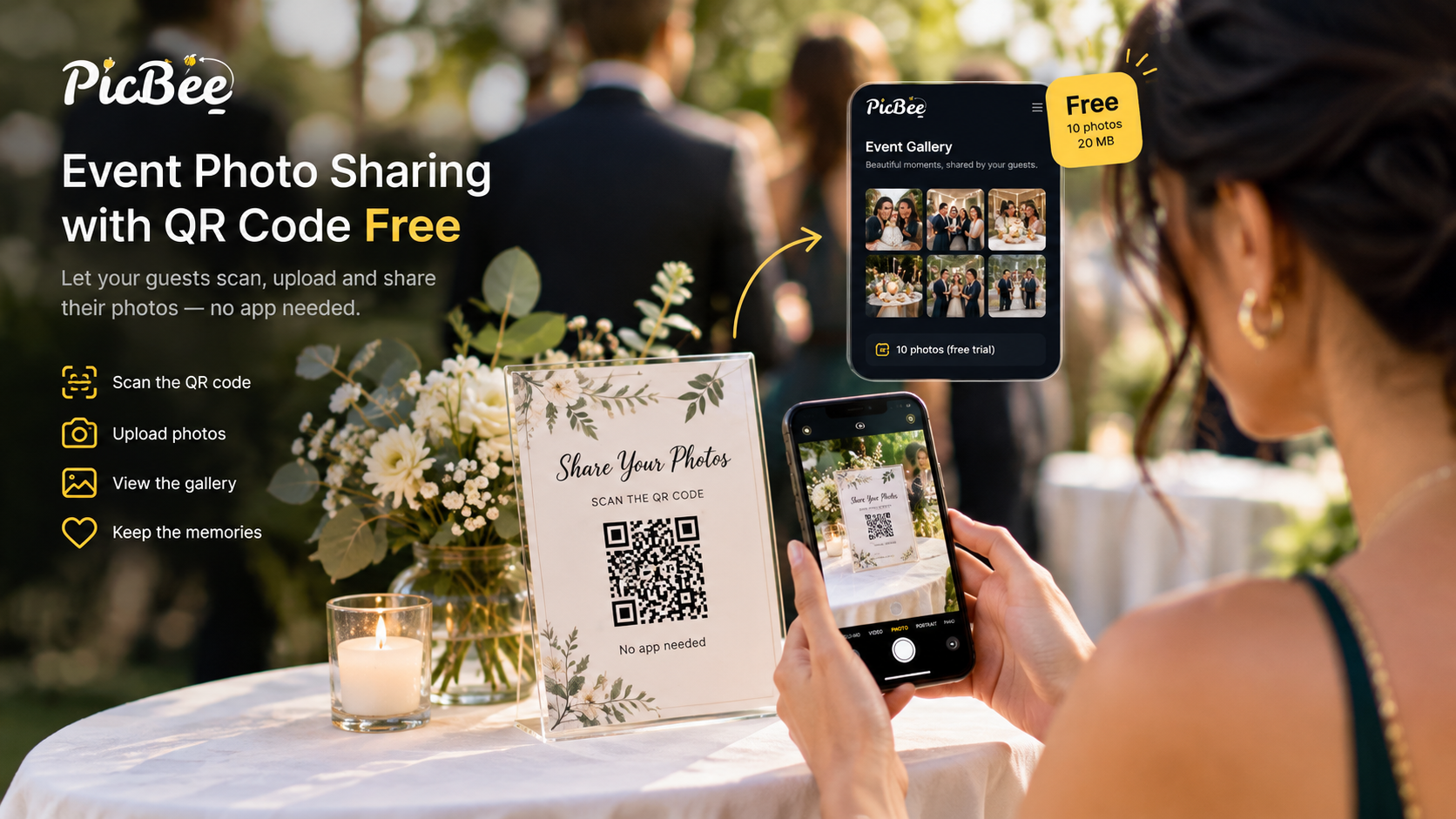
At scale, every friction point multiplies. Eliminate app downloads entirely. PicBee is a wedding photo sharing app that guests open from a QR code in the browser.
- Use Web-based galleries (no install)
- Test with older phones
- Works in the phone browser
Announce and Remind
Large weddings need announcements. Don't rely on guests discovering the feature.
- MC announcement during reception
- Wedding party shares first (creates social proof)
- Display live slideshow as social proof on a venue screen
- Post-wedding reminder email
Uploads Appear Straight Away
Guest uploads appear in the gallery straight away, so nobody waits to see their photos. If you want to check photos before they show, turn approval on.
Live Slideshow on Every Paid Plan
Every paid PicBee plan includes a live photo slideshow. Put it on a venue screen so guests see the photos arrive, which reminds the rest of the room to add theirs.
Which Plan Fits 500+ Guests?
Choose by photo count, not guest count: paid PicBee plans have no guest cap. Premium ($39, paid once) holds 5,000 photos and includes face search. Ultimate ($79, paid once) has unlimited photos under the Fair Usage Policy. Compare the event photo plans.
Planning Timeline
2 Weeks Before
Set up your PicBee event and test the QR code.
1 Week Before
Print QR codes and prepare signage.
Wedding Day
Place QR codes, brief the wedding party, set up slideshow.
During Reception
Have MC encourage photo uploads, display live slideshow.
After Wedding
Send reminder email with gallery link.
The Bandwidth Problem
500 guests uploading photos simultaneously can melt a venue's Wi-Fi. Two strategies:
- Ask the venue about bandwidth. Most modern venues have decent infrastructure, but check before the day.
- Photos queue and upload when connectivity is available. A good event-photo platform handles this automatically, so guests don't lose photos if the network blips.
Frequently Asked Questions
How many photos should I expect from 500+ guests?
It depends on how many guests upload and how many photos each adds, so plan by photo capacity, not headcount. Premium holds 5,000 photos, and Ultimate is unlimited under the Fair Usage Policy. Face recognition becomes essential at this volume.
Will the system handle that many uploads?
Yes, PicBee is built for large events. Photos upload asynchronously and appear in the gallery as they're processed. There's no limit on simultaneous uploaders.
What about internet connectivity at the venue?
Check your venue's Wi-Fi capacity. For 500+ guests uploading, you may want to ask the venue about their bandwidth. Photos will queue and upload when connection is available.
How do guests find themselves in a large gallery?
Face recognition is the only viable answer at this scale. Guests upload a selfie, and the gallery filters to only photos containing them.
Wrap-Up
Big weddings are special, and they deserve a photo collection strategy built for the scale.
Ready for your large wedding?