
It seems like an easy solution: just create a group and have everyone share photos. But WhatsApp fails in every way that matters for preserving wedding memories.
If you only take one thing from this article: don't trust WhatsApp with the most important photos of your life.
The Problems with WhatsApp
Photos Get Compressed
WhatsApp sends photos in standard quality unless the sender picks HD or sends a document (WhatsApp Help Center). You cannot check what each guest chose.
Limited Group Size
WhatsApp groups cap at 1,024 members (WhatsApp Help Center). A larger guest list can't all join one group. For a big guest list, see how to share photos with 500+ wedding guests.
Chaos in the Chat
Important photos get buried under messages, reactions, and random comments. By the end of the night, finding a specific photo means scrolling through three hours of "Where is the bathroom?" texts.
No Organization
Photos appear in random order. Good luck finding specific moments, like the photo of your grandmother dancing with the flower girl.
The Real Cost
Most couples don't realize until months after the wedding when they try to print photos or create an album. That's when they discover their precious memories are pixelated, and half the photos are lost in the chaos of the group chat.
Wedding photos are irreplaceable. You can't go back and re-take them. Why risk them on a tool that was never designed for photo collection?
The Better Way: Purpose-Built Photo Collection
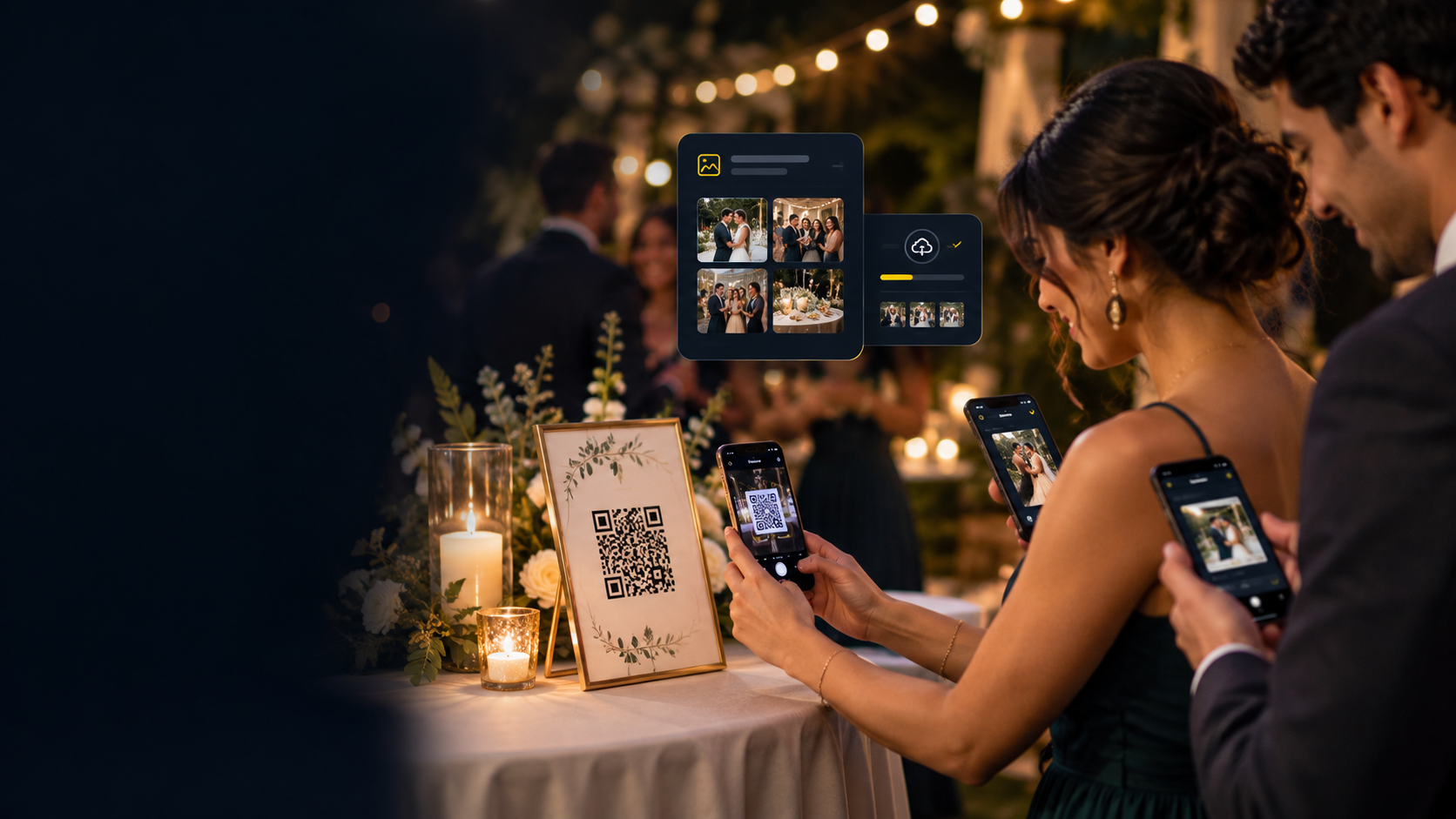
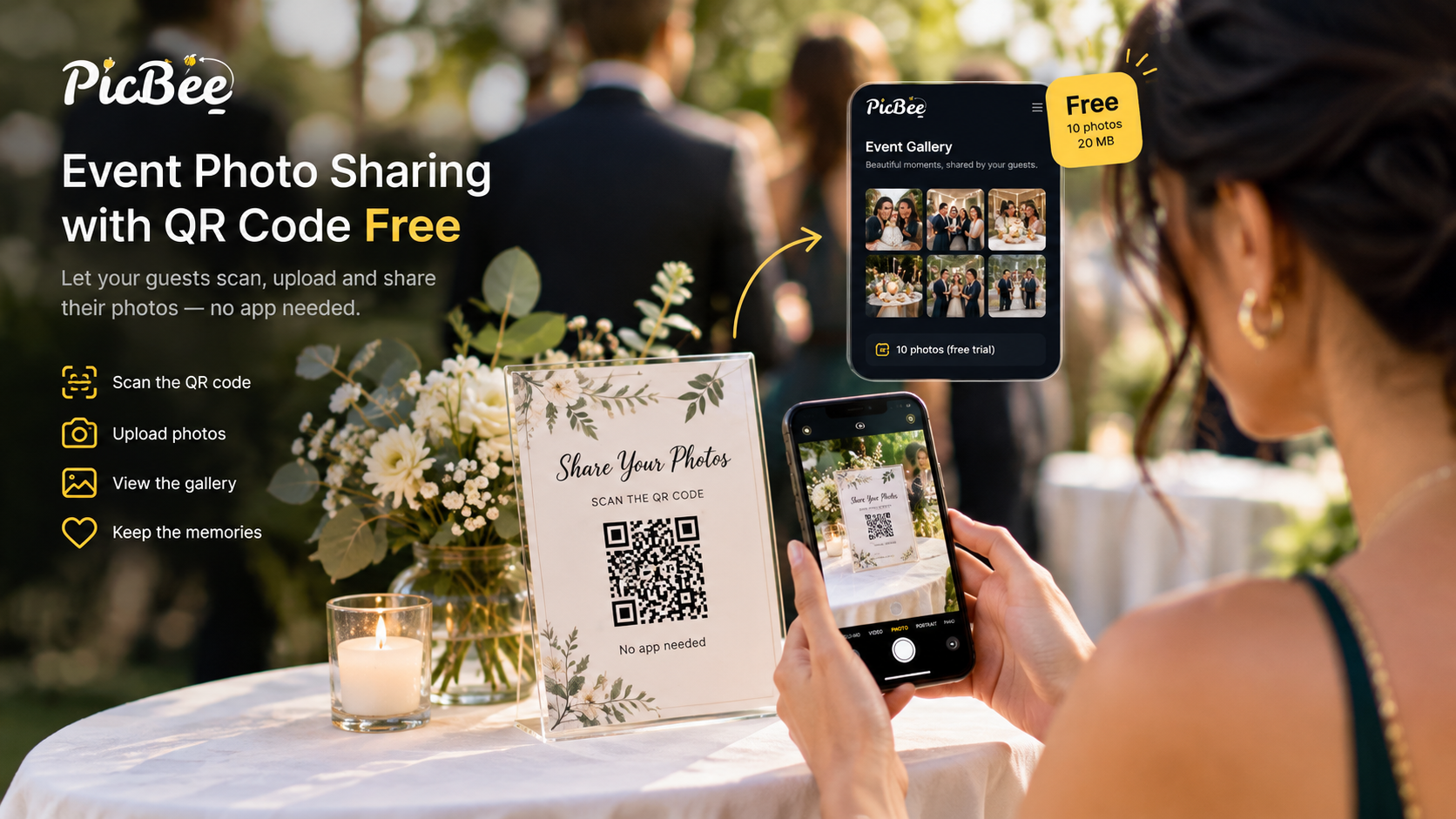
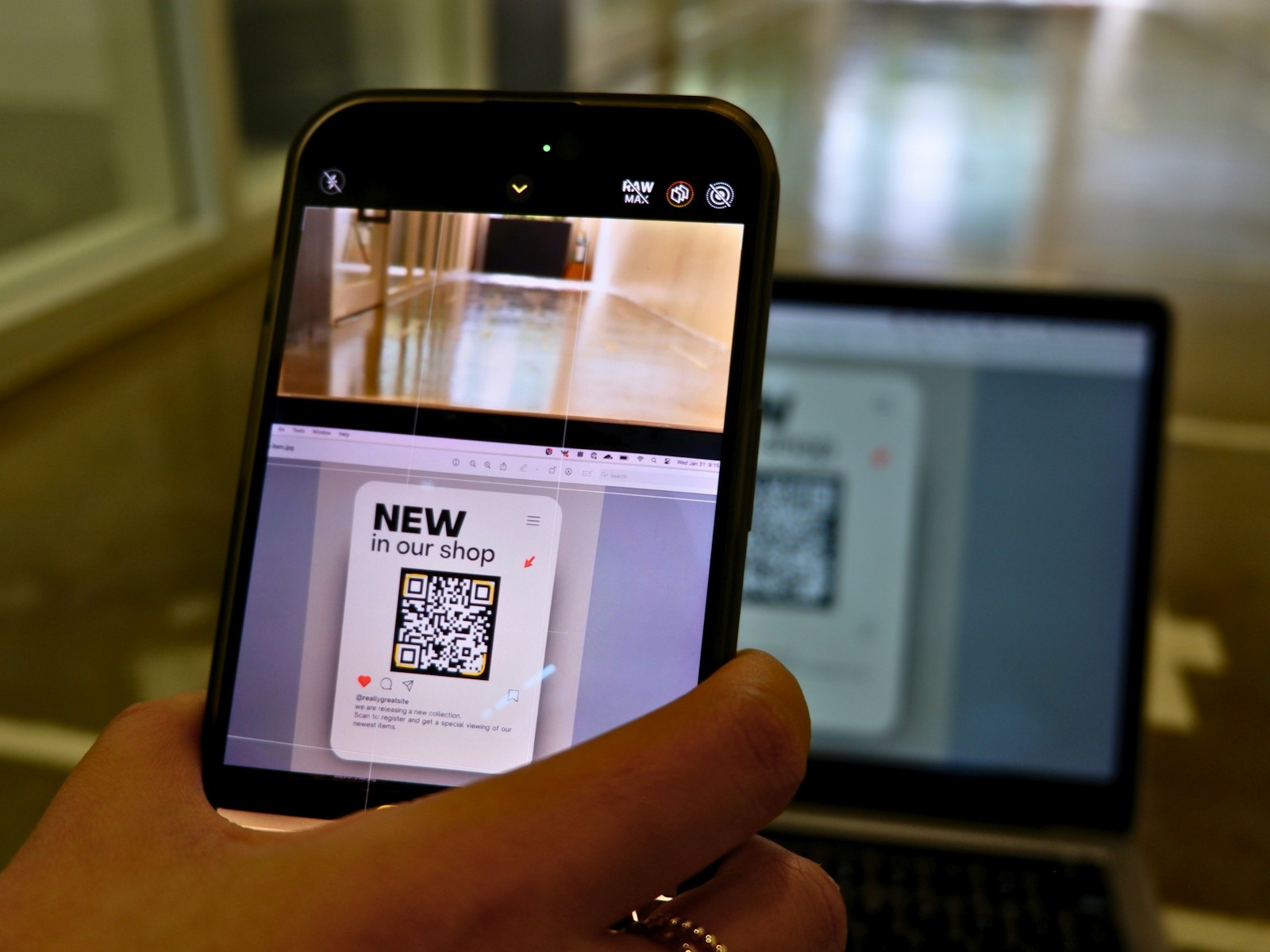
A wedding photo sharing app gives every guest one gallery to upload to, instead of a chat. Guests get there by scanning a QR code for wedding pictures.
Full Quality Photos
Original quality preserved. Your memories stay crystal clear.
No Guest Cap
No guest cap on paid plans. Photos: 1,000, 5,000, or unlimited under the Fair Usage Policy. Invite every single guest to upload photos. Compare the event photo plans.
Beautiful Gallery
Photos organized in a stunning gallery, not a chat thread.
Face Recognition
Find photos of yourself instantly with AI face matching. Face search comes with Premium, Ultimate and photographer plans, and it is off until it is turned on.
Hosting You Can Extend
Event plans host your gallery for 3 months, and you can extend it 3 months at a time ($9, $19 or $59, depending on the plan).
Privacy First
Guests don't see each other's personal info. Guests upload with no account and join no chat. No accidental DMs.
A Migration Path (If You're Already in WhatsApp)
It's not too late. If you've already created a WhatsApp group:
- Set up a PicBee event gallery.
- Share the QR code or upload link in the WhatsApp group.
- Ask guests to upload to PicBee going forward.
- Optionally: download whatever was already in WhatsApp and bulk-upload it to PicBee.
The already-shared photos will still be compressed, but at least everything new will be preserved properly.
Frequently Asked Questions
Is WhatsApp really that bad for wedding photos?
For casual sharing, WhatsApp is fine. But for collecting precious wedding memories, the photo compression alone makes it unsuitable. You're essentially throwing away image quality on photos you'll want to keep forever.
Can't I just ask people to send original quality?
Even with the "send as document" option, it's tedious. Most guests won't do it correctly, and you end up with a mix of compressed and full-quality photos with no organization.
What if I already created a WhatsApp group?
It's not too late! You can share a PicBee QR code in your WhatsApp group and ask guests to upload there instead. The photos already shared in WhatsApp are compressed, but future photos can be preserved properly.
What about iMessage or other chat apps?
Same chaos problem. Same "where did that photo go?" problem. The category itself is wrong: you want a gallery, not a chat.
Wrap-Up
Group chats are great for coordination. They're terrible for memory-keeping. Use the right tool for the right job, and let your wedding photos survive at the resolution they were taken at.
Don't risk your wedding memories.