
Digital photobook
The complete guide to turning event photos into a shareable flipbook and a print-ready PDF: templates, drag-and-drop layouts, and a keep-forever album after the gallery weekend.
Jump to:What is a digital photobook?·How it works·Plans and access·Tips for a better book·Frequently asked questions
Key takeaways
- A PicBee photobook is a designed album you can flip through digitally or export as a PDF.
- Included from Premium ($39) when attached to an event. A public browser creator also exists.
- Templates cover wedding, travel, birthday, and party layouts.
- Curate 20 to 100 keepers for the best result. Do not dump the whole gallery.
- The public creator can keep photos on-device until you choose to attach a book to an event.
- Photobook complements the live gallery. It is the keepsake after the weekend.
- Face search (also Premium) helps pick who appears before you layout pages.
- Deep product path: /photobook/create for the builder itself.
What is a digital photobook?
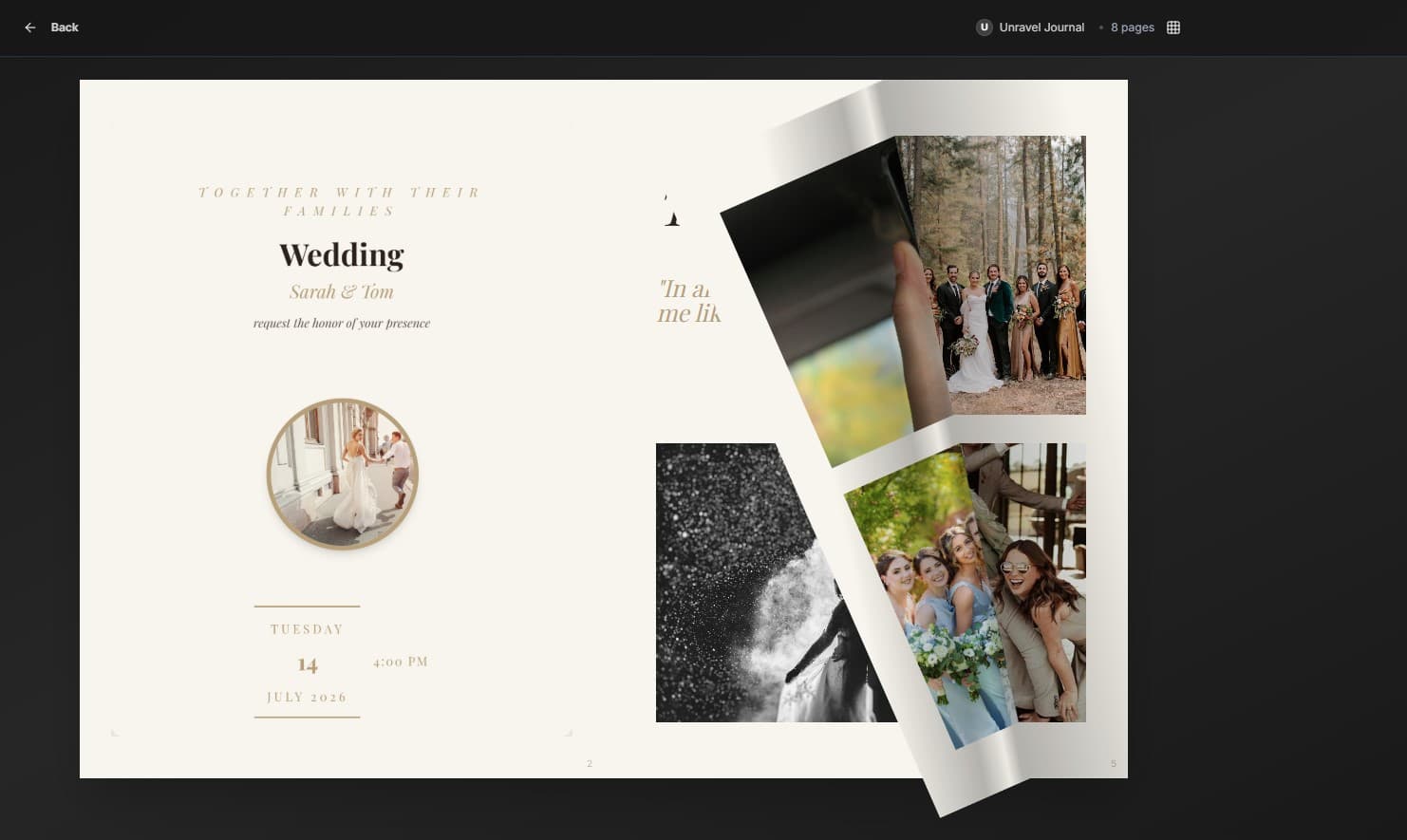
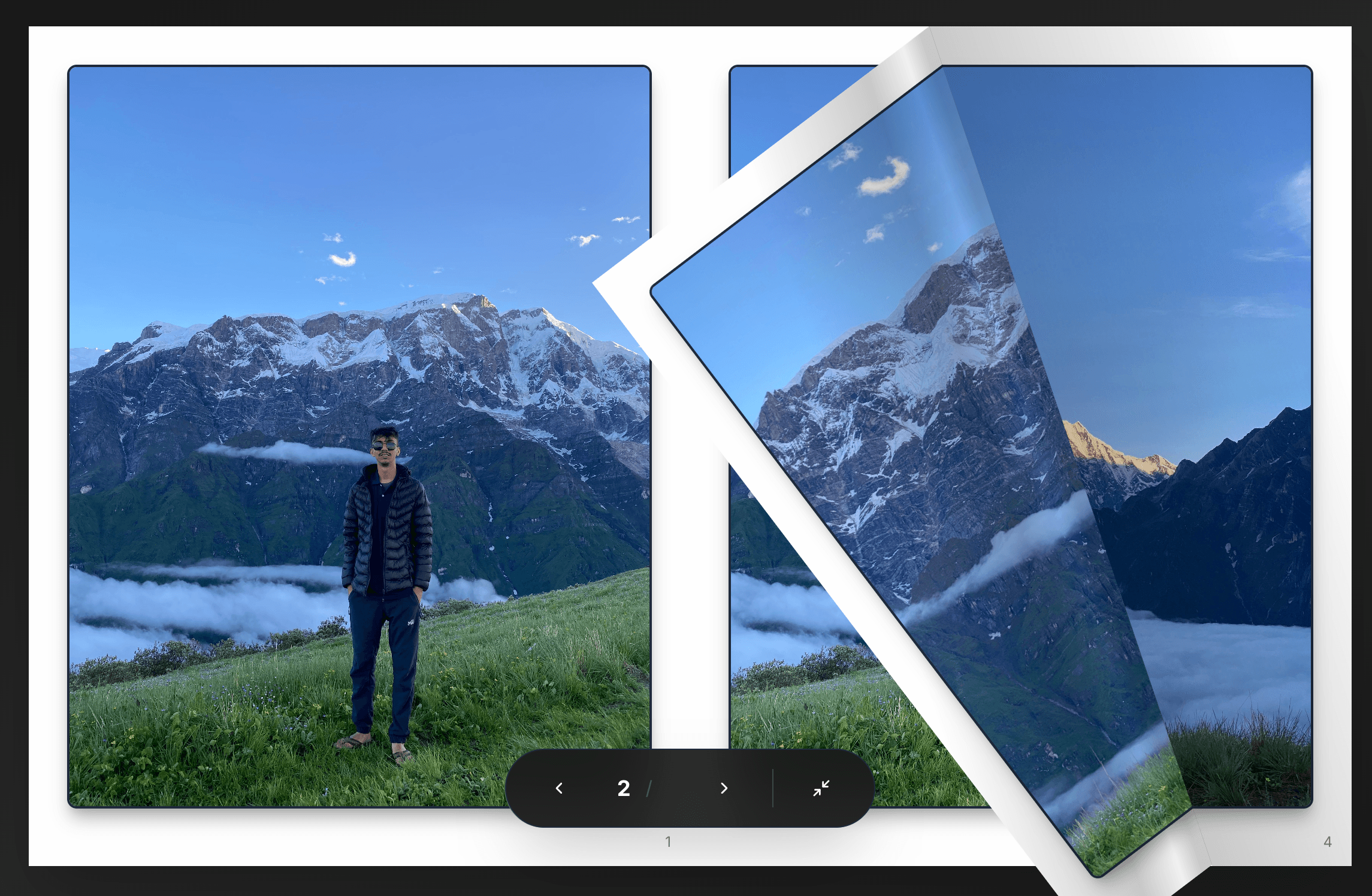
A digital photobook is a designed multi-page album built from your event photos. On PicBee you pick a template, place photos into spreads, then share a flipbook link or download a print-ready PDF.
How it works
- Open the photobook creator (from Premium event tools, or the public builder).
- Choose a template and adjust the look.
- Drag photos into spreads until the story reads cleanly.
- Share the flipbook or download the PDF for print.
Open the builder
Start here: create a photobook. Sign in when you want the book attached to a specific event.
Plans and access
| Access | What you get |
|---|---|
| Public photobook creator | Build in the browser; sign in to attach to an event |
| Premium event plan ($39) | Photobook tools with the event gallery |
| Ultimate and photographer plans | Same Premium-and-up creative tools where included |
Event plan details: event pricing. Wedding hub: wedding photo sharing.
Tips for a better book
- Curate before you layout. Twenty strong pages beat two hundred weak ones.
- Use face search on Premium to pull key people into the shortlist.
- Mix photographer selects with a few guest candids for atmosphere.
- Export the PDF if you want a print shop or home print later.
Frequently asked questions
How many photos can be in a photobook?
Photobooks work best with about 20 to 100 photos. Spreads are flexible, so you can add pages as needed, but curation still reads better than dumping everything.
Do I need an account?
The public photobook creator works in your browser. Sign in when you want to attach a photobook to an event. Event-attached photobook tools start on Premium.
Is the photobook the same as the live gallery?
No. The gallery collects and shares during and after the event. The photobook is a designed album you build from selected photos.
Can I print the photobook?
Yes. Download a print-ready PDF and take it to a printer of your choice. PicBee does not operate a print lab on this page.
Build a photobook from Premium
Photobooks are included from Premium ($39). You can also open the public photobook creator in the browser.
Written by
Roshan K.C
Co-founder
Co-founder of PicBee. This guide uses the public plan limits on the pricing page.
Updated: