
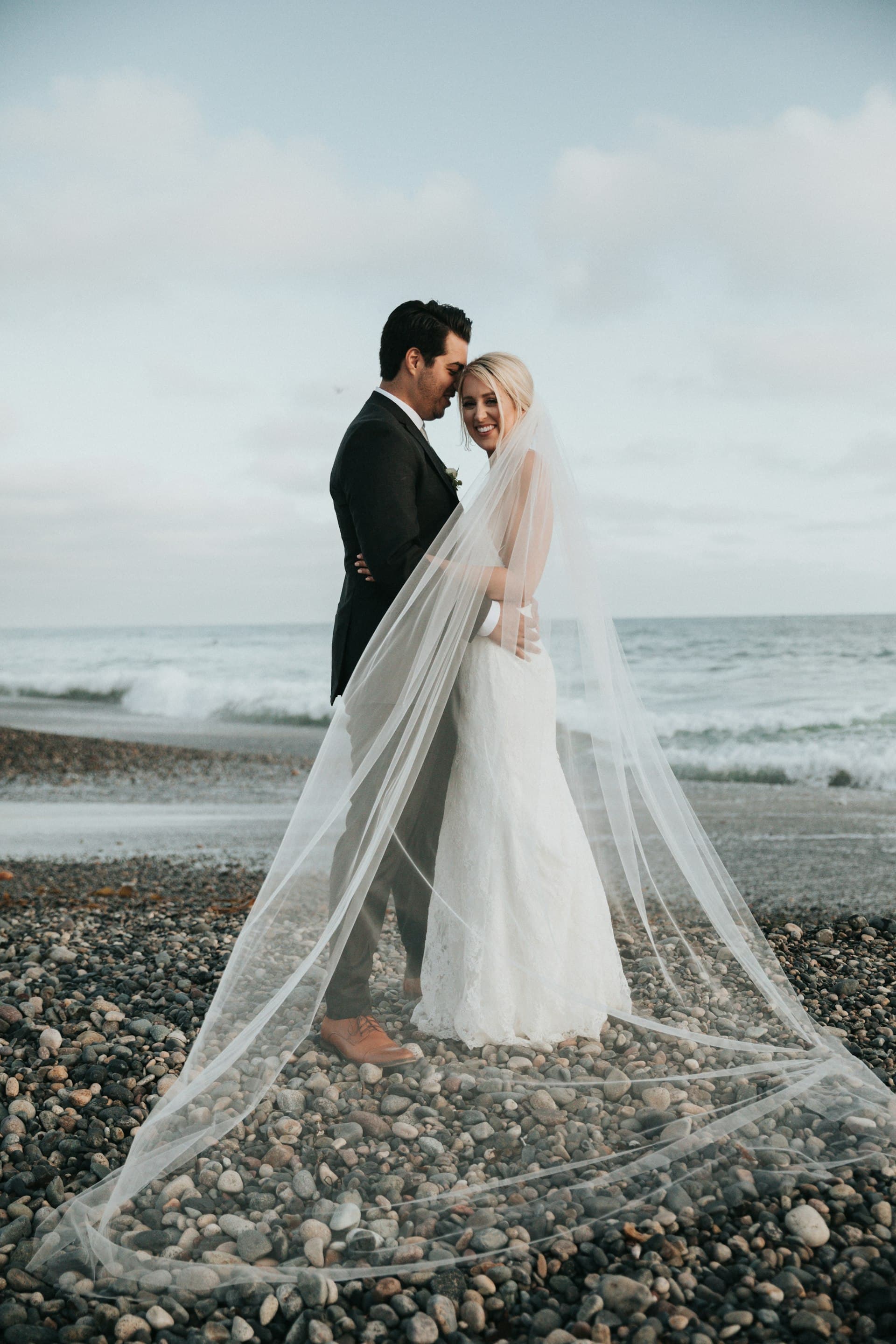
Beach wedding photo sharing that survives sand and spotty signal
Sand eats paper and signal drops at the waterline. Put QR codes on firm ground near seating or the path back to the reception, and let guests upload when they reconnect.
Jump to:How to set this up·Suggested albums·Guest habits that work·Other wedding styles·Common questions
Key takeaways
- Avoid loose paper on open sand
- Place codes at the aisle exit and reception entrance
- Guests can upload later if the beach has no signal
How to set this up
- Laminate or mount QR cards on wood or acrylic stakes above the tide line.
- Repeat the code indoors at cocktail hour where Wi-Fi is stronger.
- Keep ceremony and beach portraits in one album, reception in another.
Same product, different placement
Every wedding style uses the same PicBee gallery. Plans start at Essential $29 (1,000 photos), Premium $39 (5,000), and Ultimate $79 (unlimited within our Fair Usage Policy). The free gallery is a 10-photo trial.
Suggested albums
- Beach ceremony
- Portraits
- Reception
Guest habits that work
- Tell guests they can upload from the bus or hotel if the beach is offline.
- Do not rely on wind-blown A-frames alone.
Other wedding styles
- Indian weddings — Albums per function, QR codes at every venue, room for a large guest list.
- Destination weddings — One gallery link across welcome dinners and brunch. No extra app after landing.
- Large weddings — Face search on Premium and up so guests find themselves without messaging you.
- Multi-day weddings — Separate albums by day, one master link when the weekend ends.
- Full wedding photo sharing guide
Common questions
What if there is no cell service on the beach?
Guests can take photos offline and upload when they reach Wi-Fi. The gallery link does not change.
Should the photographer use the same gallery?
Optional but useful. Professional selects in the same place as guest uploads keep one share link after the weekend.
Open a gallery
A free gallery includes 10 photos. Paid event plans start at $29.
Written by
Roshan K.C
Co-founder
Co-founder of PicBee. This guide uses the public plan limits on the pricing page.
Updated: